
Share with the people who matter
Let someone you trust know, in one tap.
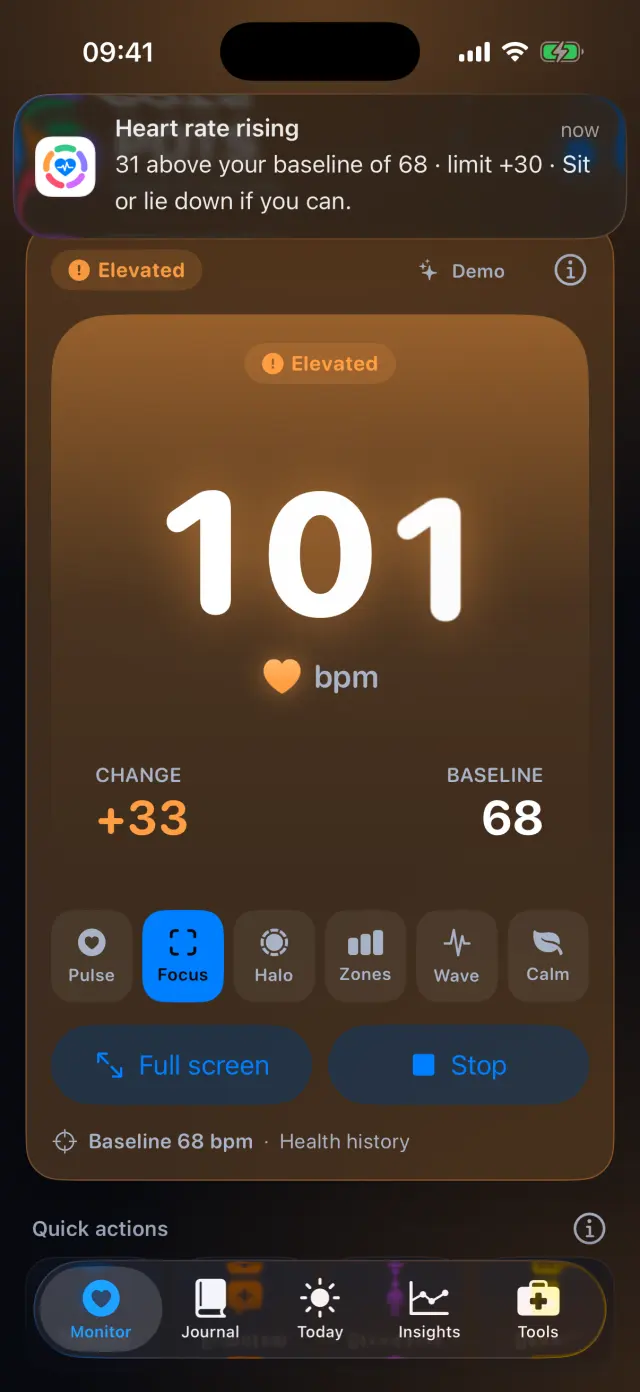
During a high or low episode, POTS offers a ready-to-send message to your caregiver with your heart rate. You decide whether to send it.

How it works, step by step
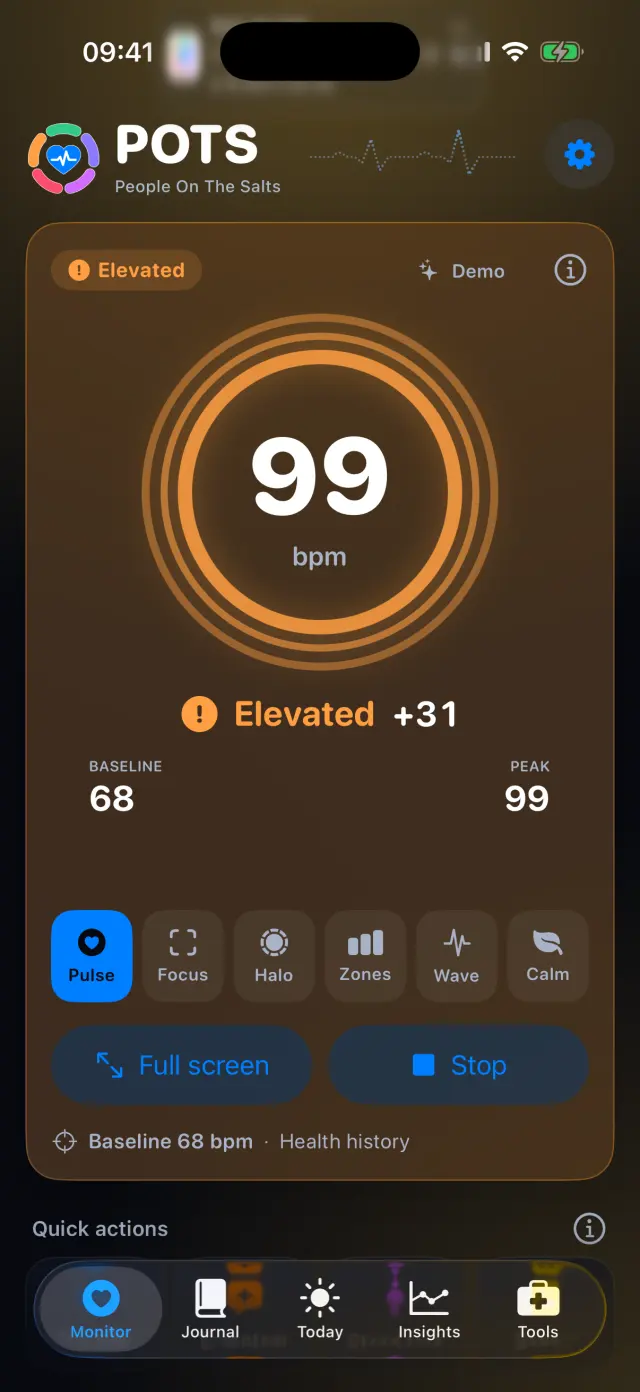
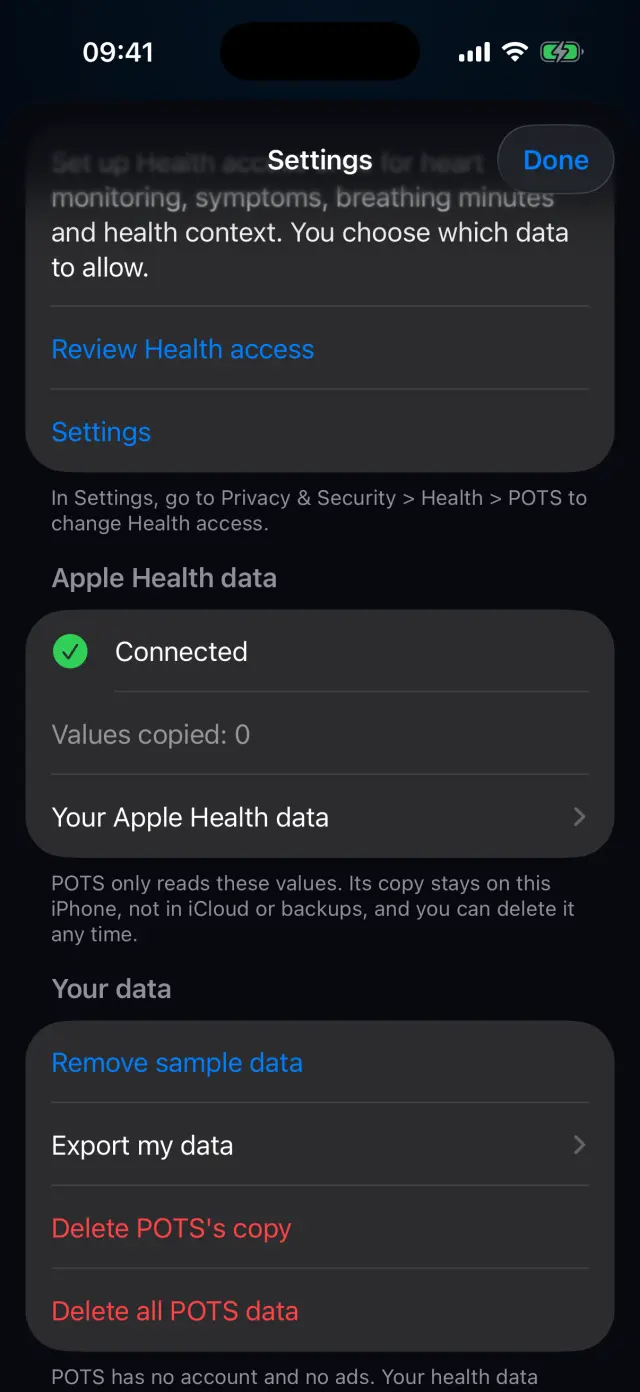
Real screens from the POTS iPhone app, with fictional example data.
-
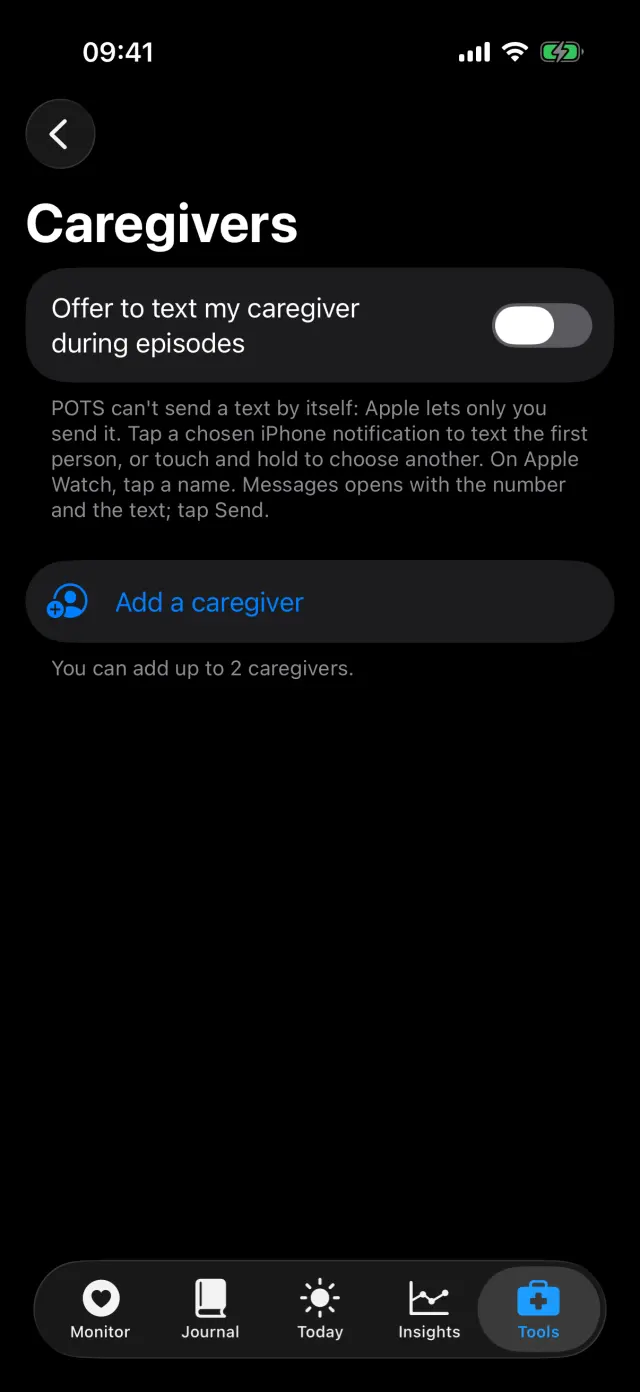
Turn on the offer
POTS can't send a text by itself: Apple lets only you send it. Turn on the offer, then add a person.
-
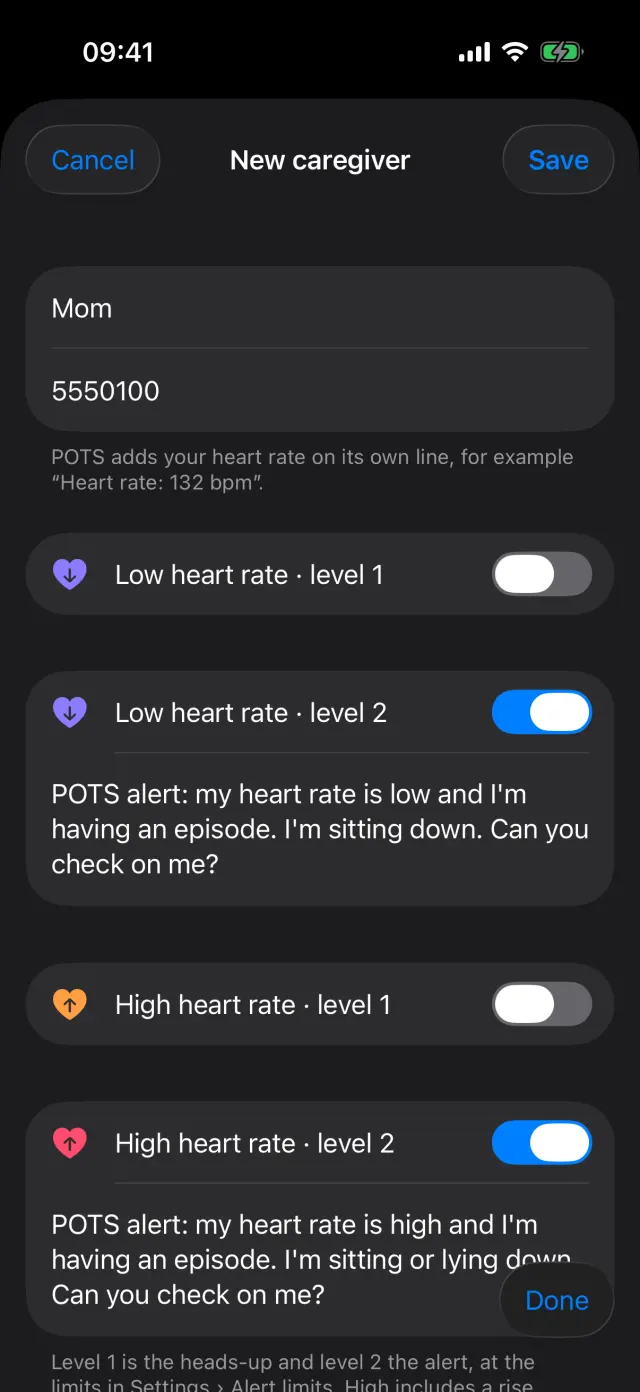
Add a caregiver
Enter a name and mobile number, choose which levels offer a text, and keep or edit the suggested message. POTS adds your heart rate on its own line.
-
Ready when you need it
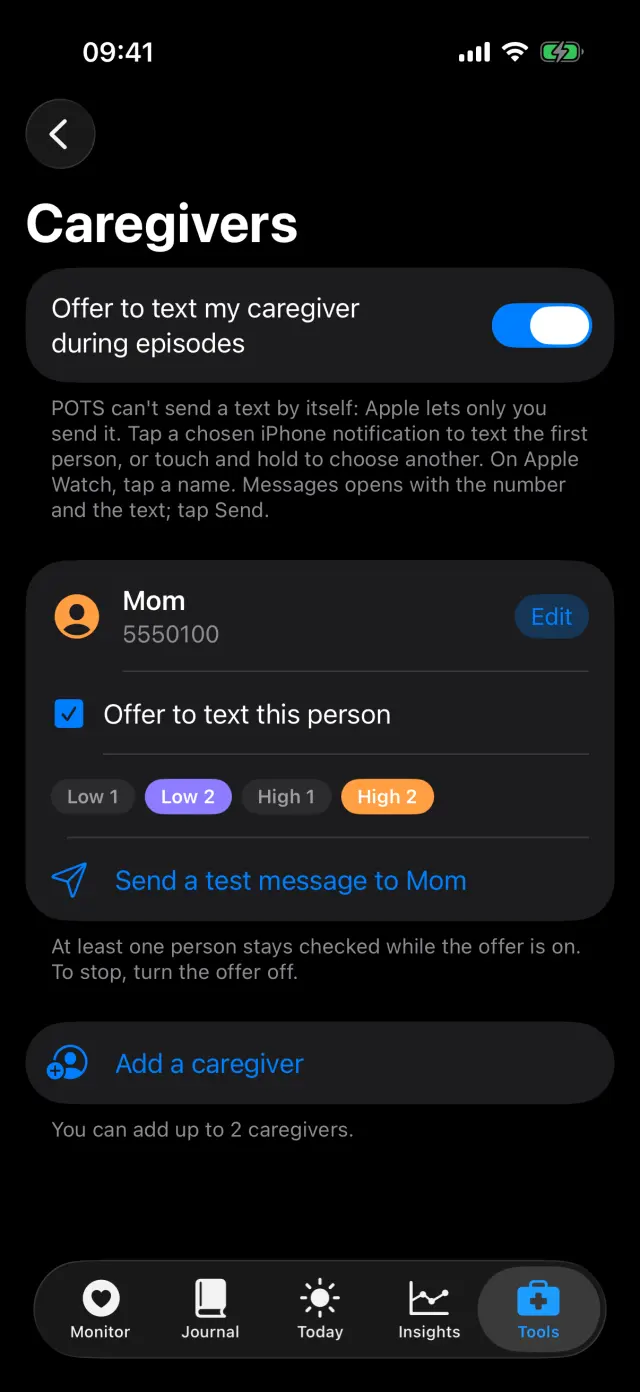
Choose who to text for low and high levels, and send a test message. You can add up to 2 caregivers.
Swipe to see every step
Everything it can do
- Up to 2 caregivers.
- Choose levels for each person: low 1 and 2, high 1 and 2.
- A suggested message you can edit, with your heart rate added.
- Tap the iPhone notification, or a name on Apple Watch, to open Messages.
- You always press Send yourself.
- Deleting a caregiver removes their name, number and texts from POTS.
Goes well with

Try it on your iPhone.
POTS - People On The Salts for iPhone and Apple Watch. Free to download, with Premium when you want the full record.
Screens show fictional data. POTS shows measurements to discuss with your clinician. It does not diagnose or treat any condition.