
Set up once
Your data stays on your devices.
No account and no ads. Choose your language and appearance, export your data, or delete everything, all from Settings.

How it works, step by step
Real screens from the POTS iPhone app, with fictional example data.
-
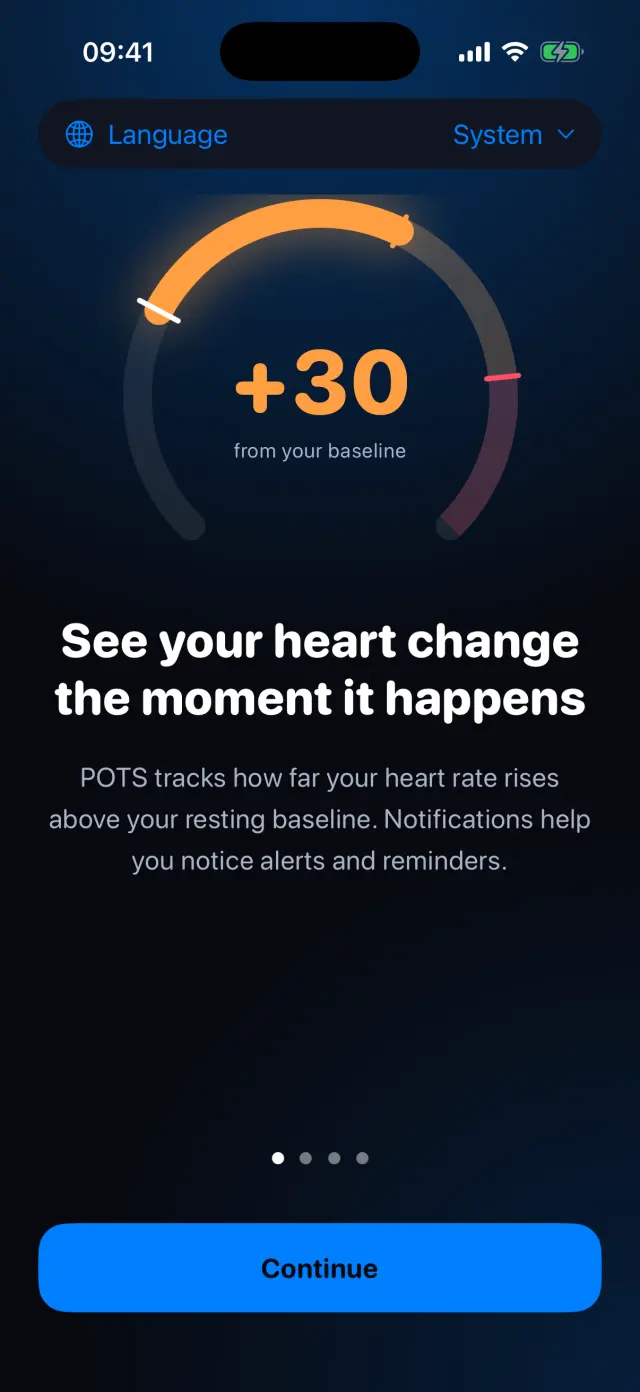
56 languages
Pick a language for POTS, or follow your iPhone.
-
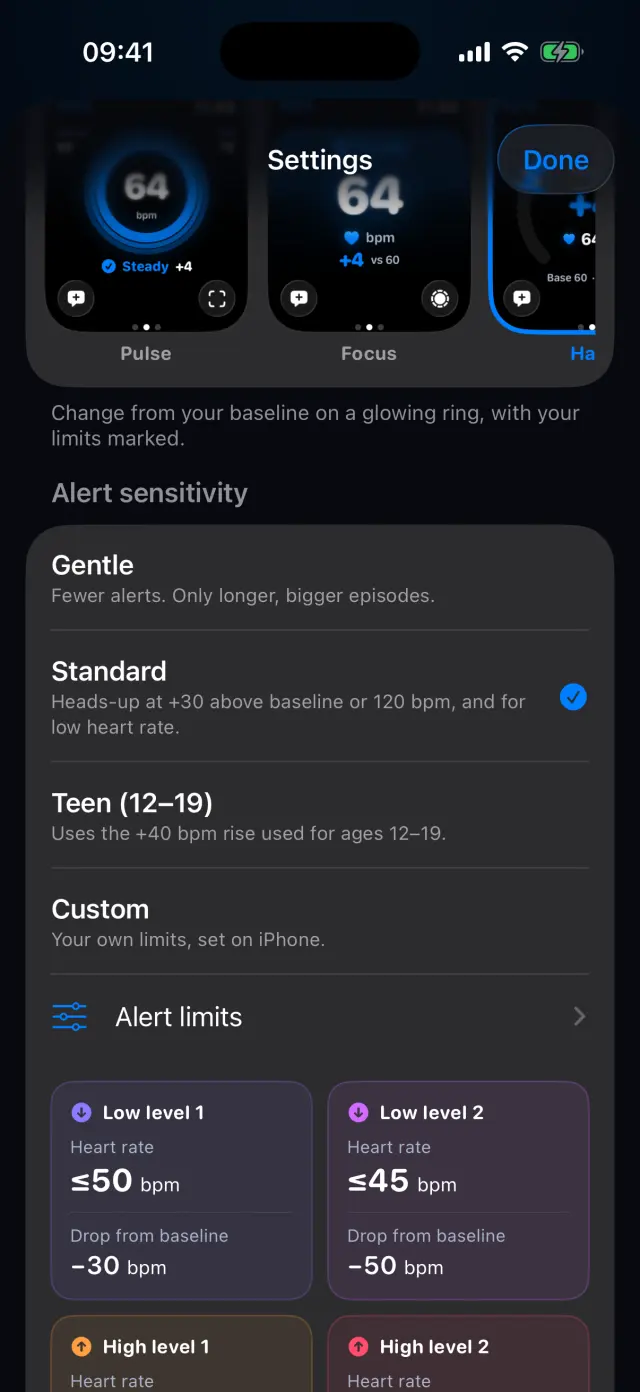
Monitoring screen and alerts
Choose your display style and alert sensitivity in one place.
-
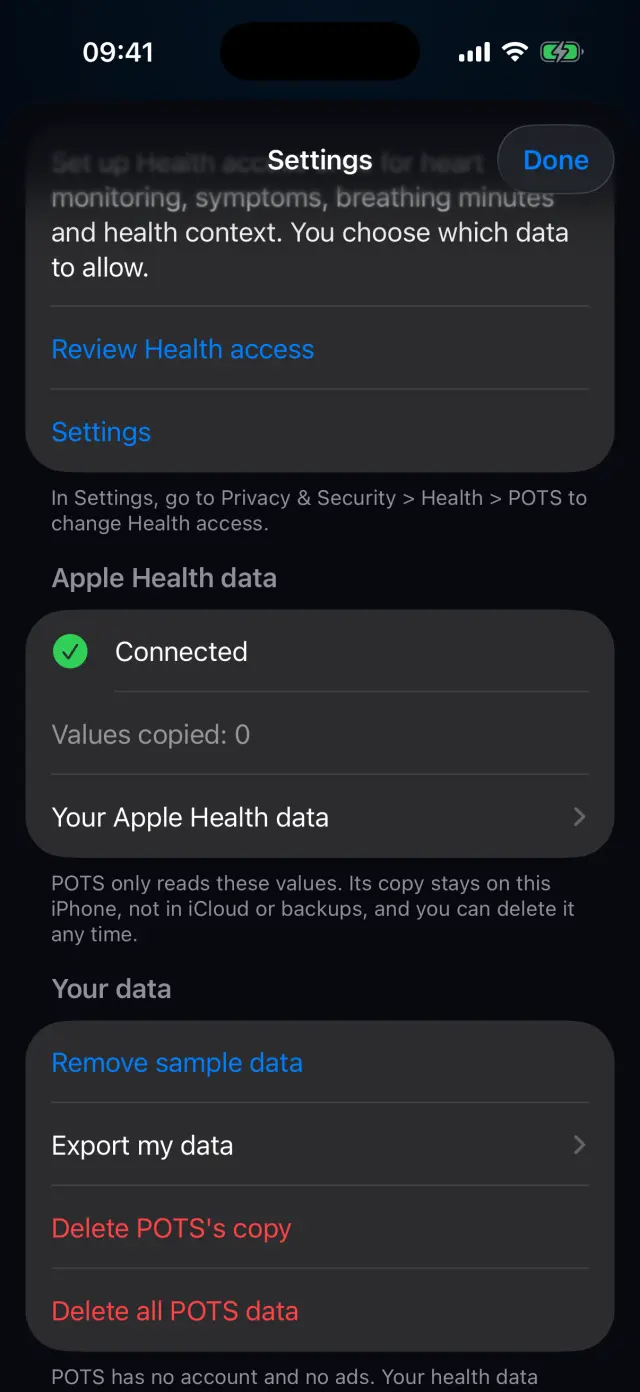
Apple Health and your data
Review Health access, remove sample data, export, or delete POTS's copy or all POTS data.
-
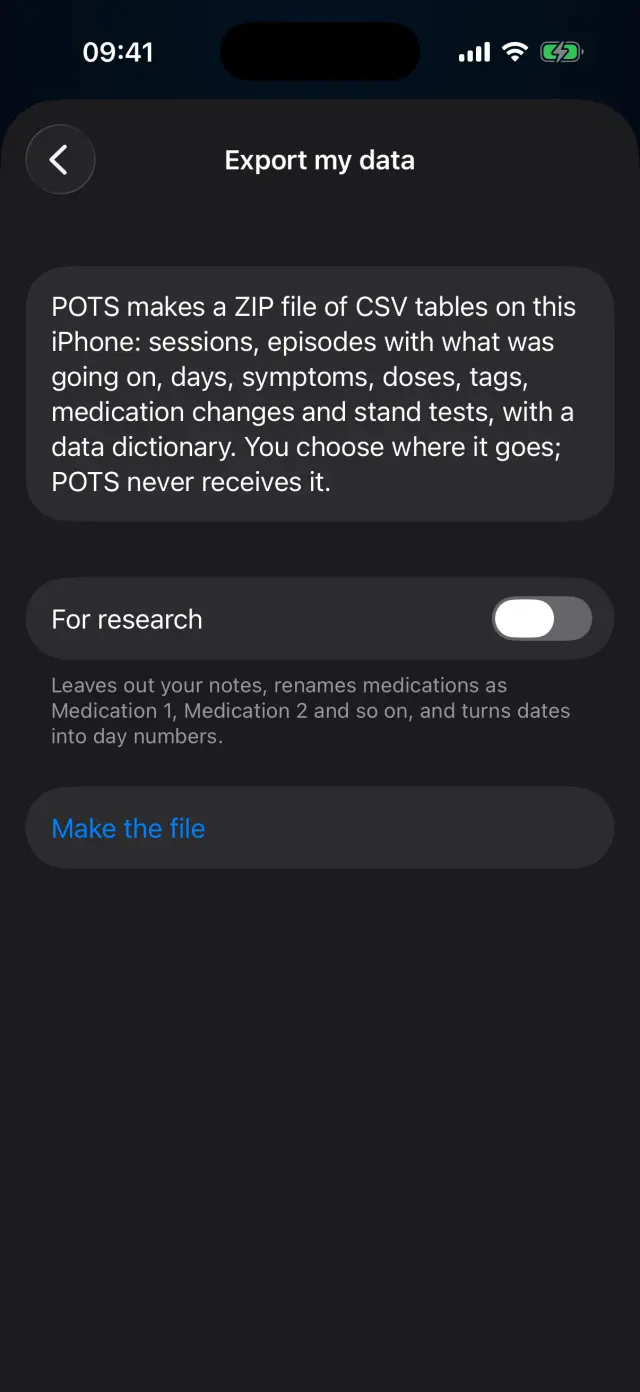
Export my data
You choose where the file goes. POTS never receives it.
-
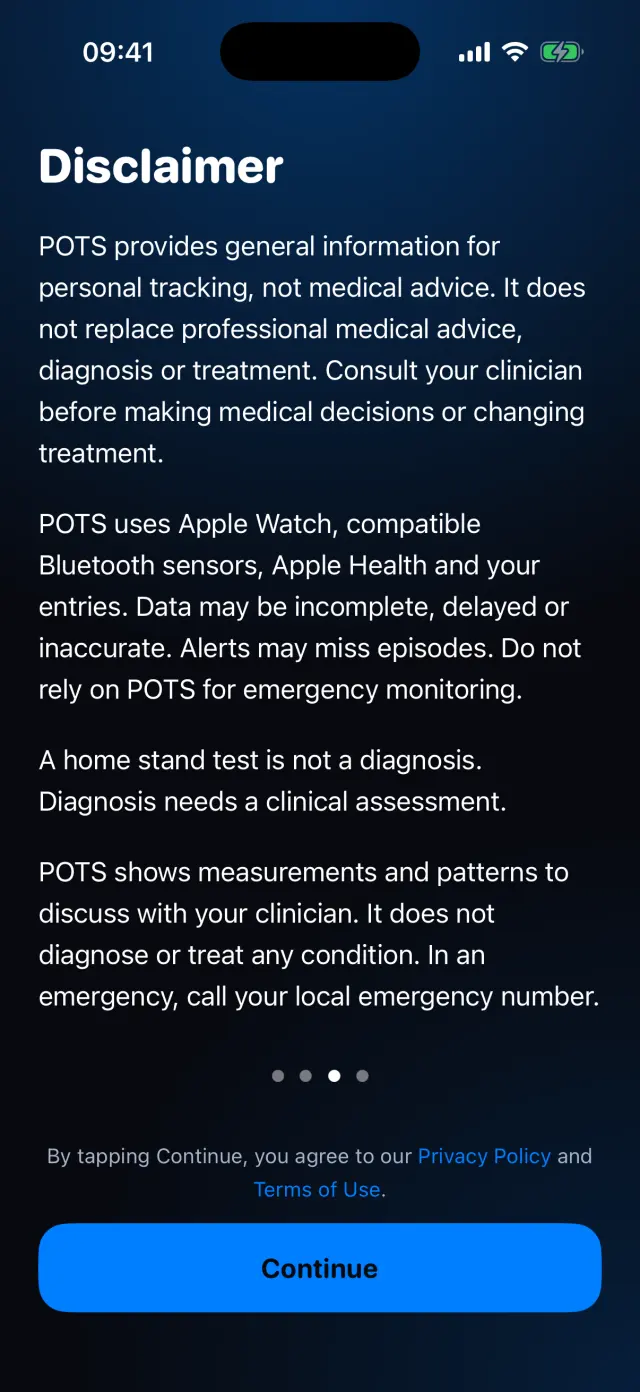
Clear about what POTS is
General information for personal tracking, not a medical device. Read it again any time in Settings.
Swipe to see every step
Everything it can do
- System, Light or Dark appearance.
- 56 languages.
- Guided breathing, daily basics goals, caregivers and devices.
- Low power options for Apple Watch.
- Export my data, delete POTS's copy of Apple Health data, or delete all POTS data.
- Privacy choices, with general usage and crash analytics that never include your health data.
Goes well with
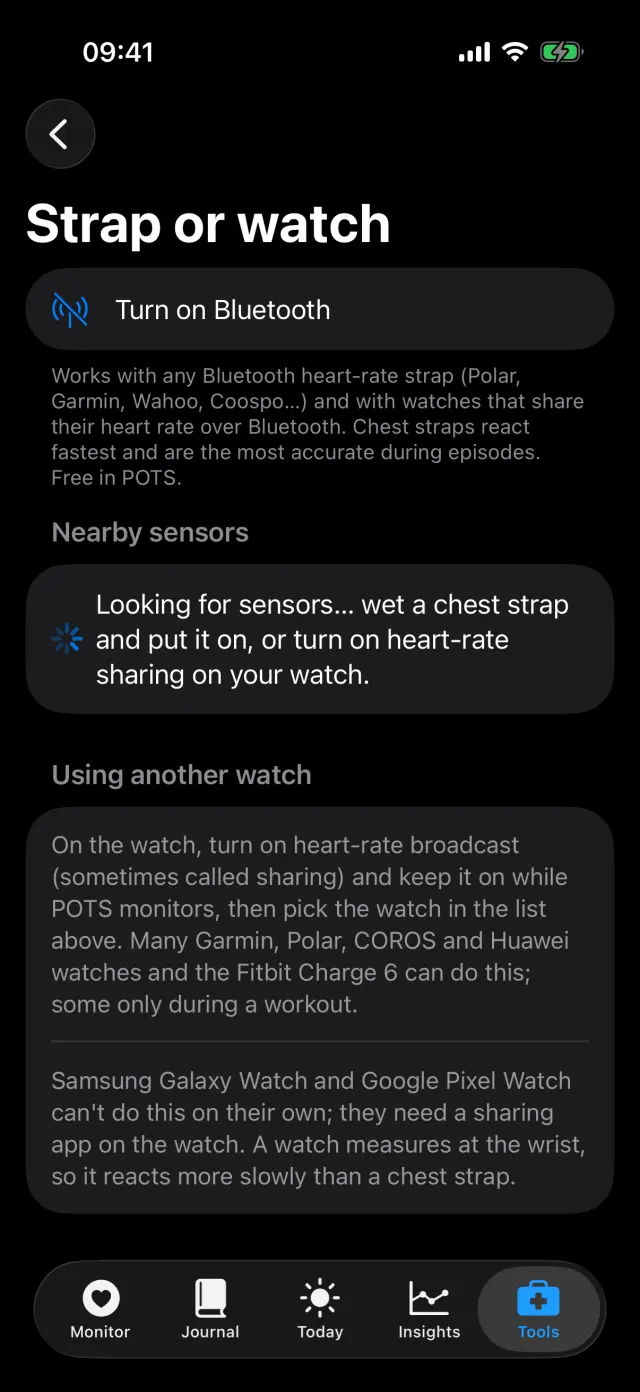 Sensors and Apple HealthApple Watch, a Bluetooth chest strap or another watch, plus Apple Health.See how it works
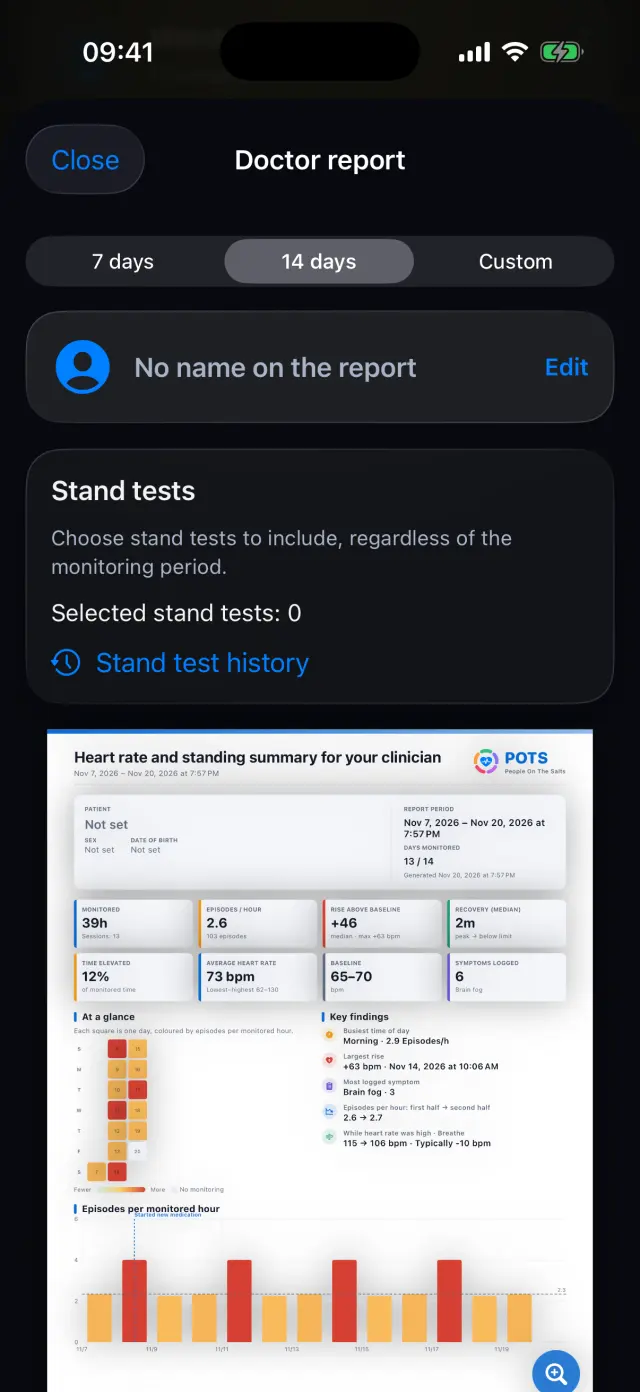 Doctor report and exportA clear PDF for your clinician, and your data as files.See how it works
Getting startedLanguage, Apple Health and alert sensitivity in a few taps.See how it works
Try it on your iPhone.
POTS - People On The Salts for iPhone and Apple Watch. Free to download, with Premium when you want the full record.
Screens show fictional data. POTS shows measurements to discuss with your clinician. It does not diagnose or treat any condition.