
Watch your heart rate now
See every rise as it happens.
POTS shows your heart rate against your own baseline, changes color as it climbs, and keeps a record of each rise and how quickly you recovered.

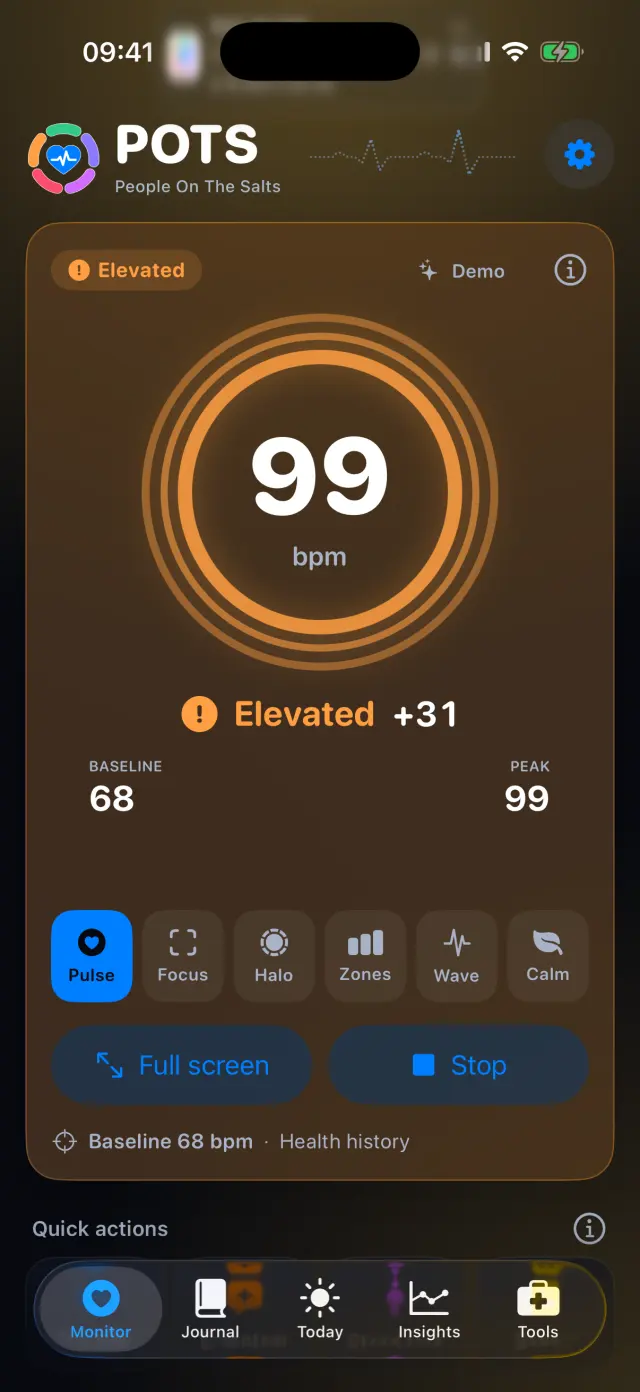
How it works, step by step
Real screens from the POTS iPhone app, with fictional example data.
-
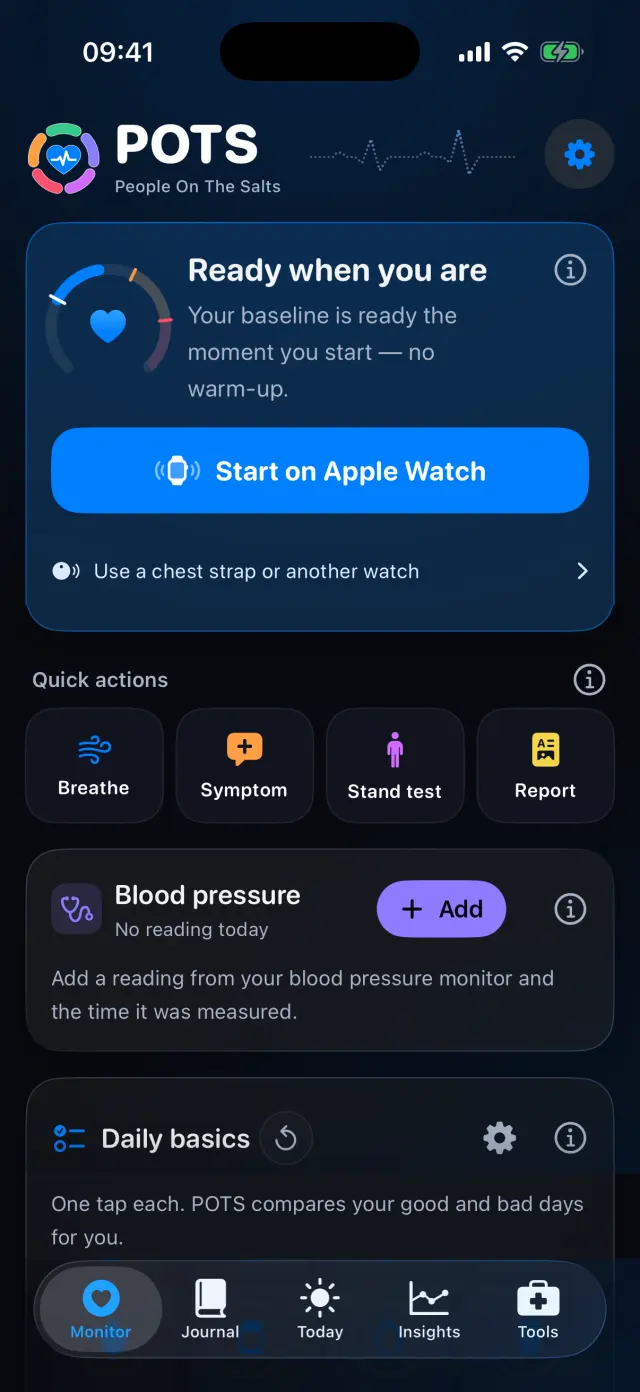
Start a session
Tap Start on Apple Watch. A Bluetooth chest strap or another watch that shares its heart rate works too.
-
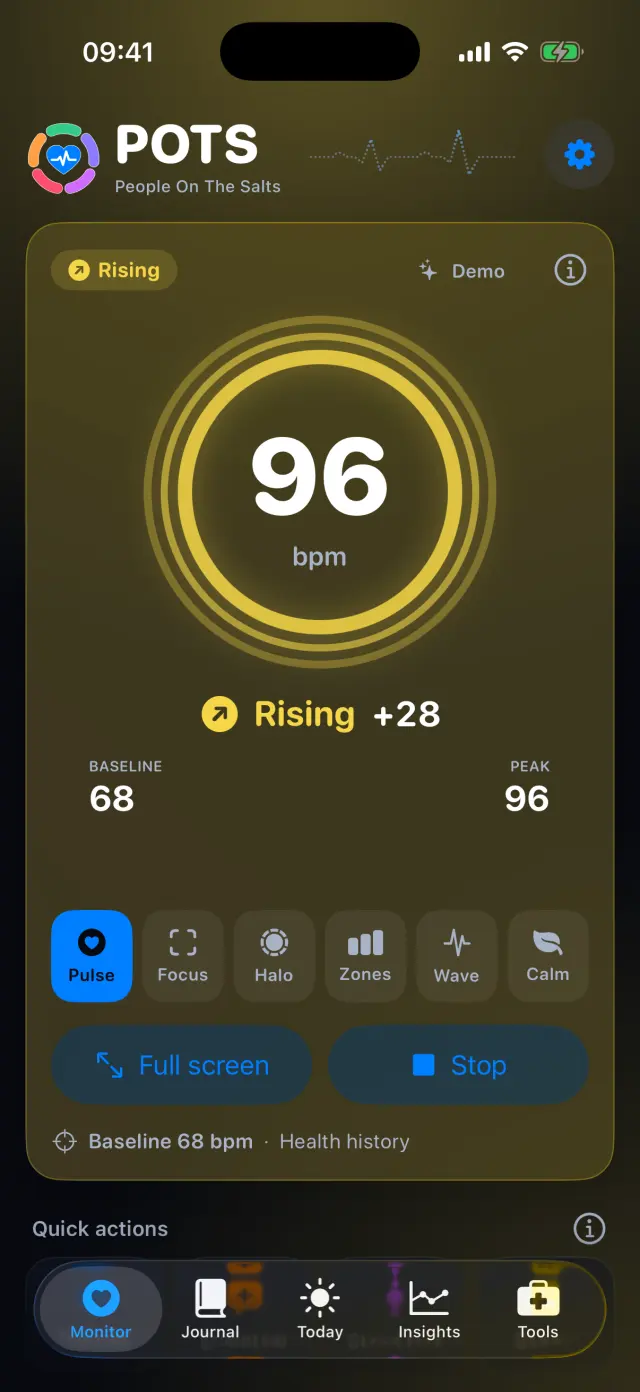
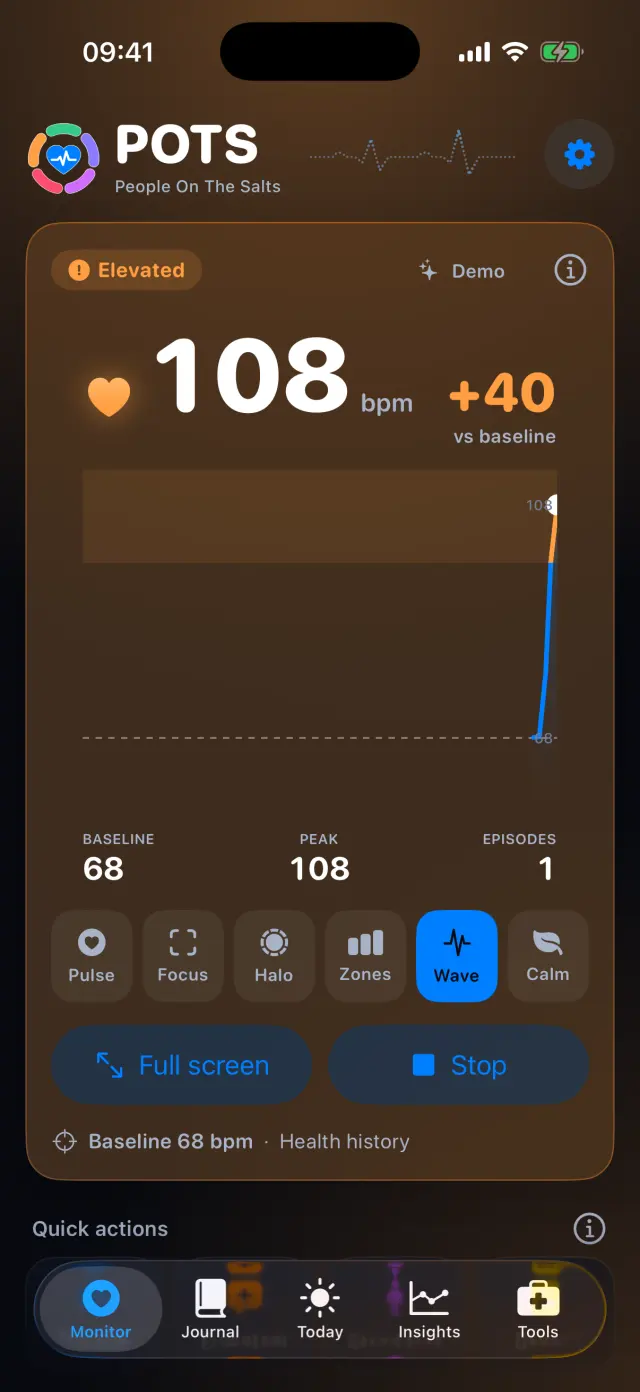
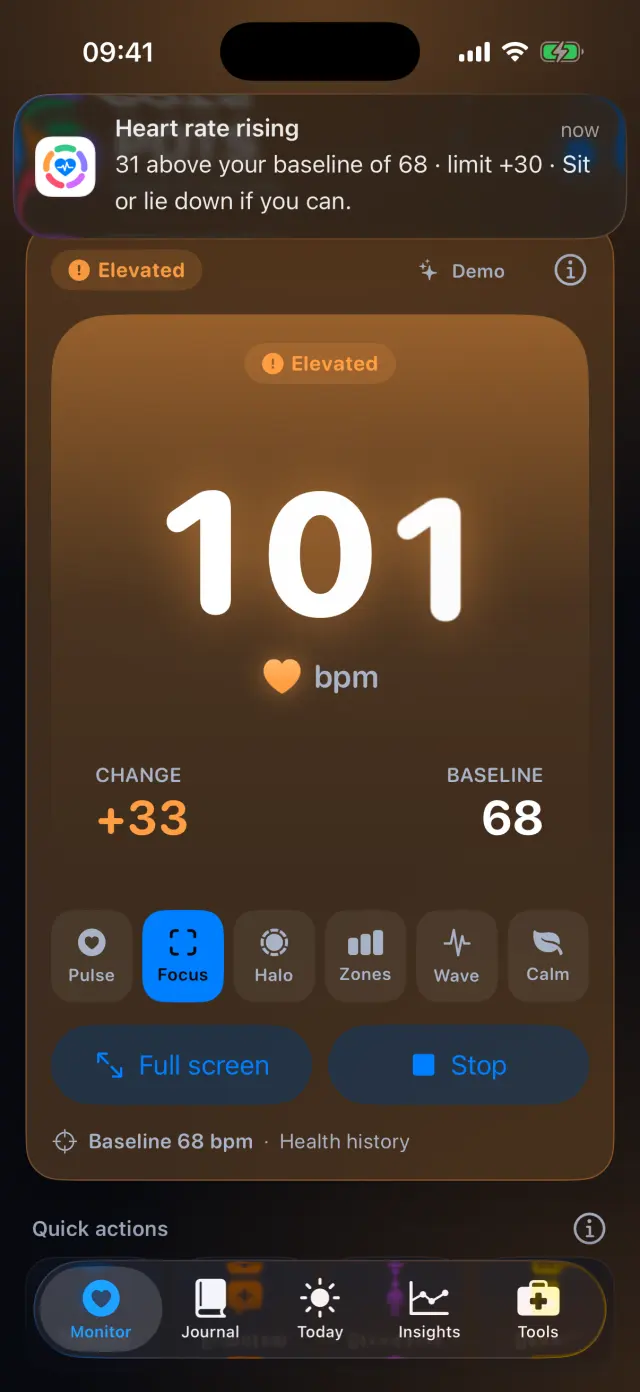
Watch the change from baseline
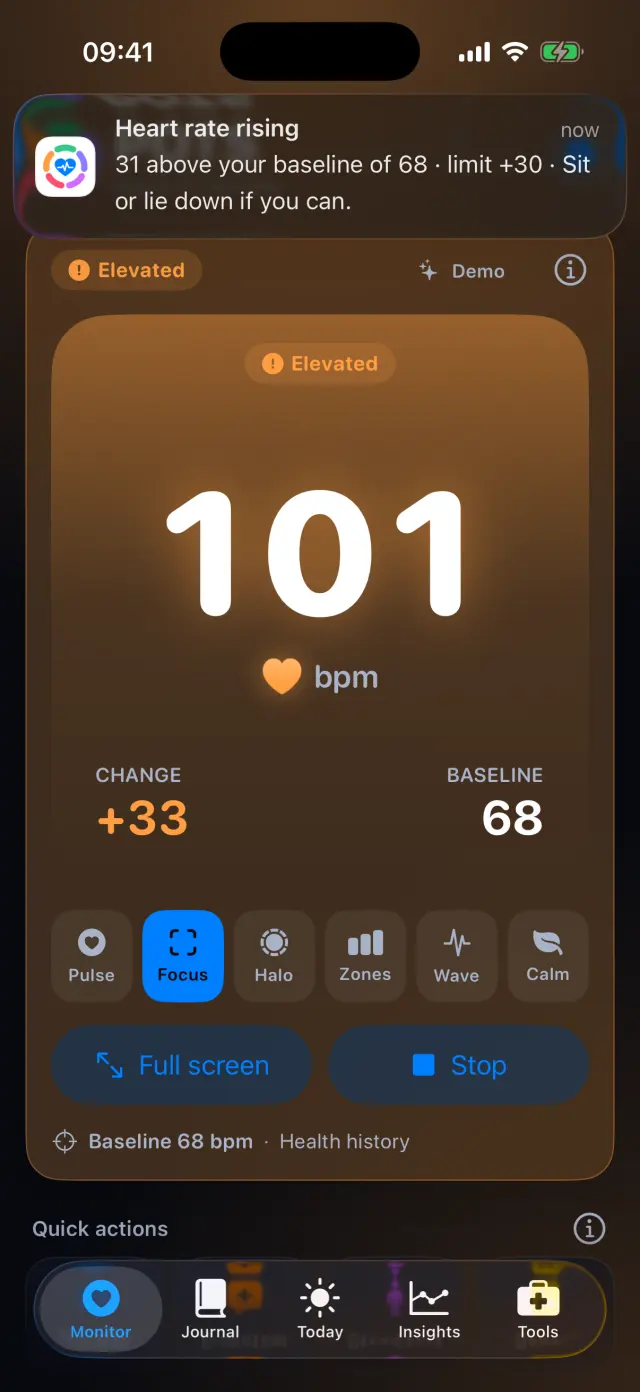
The big number is your heart rate; +28 is how far above your baseline it is. The color shows the state: Steady, Rising, Elevated or High.
-
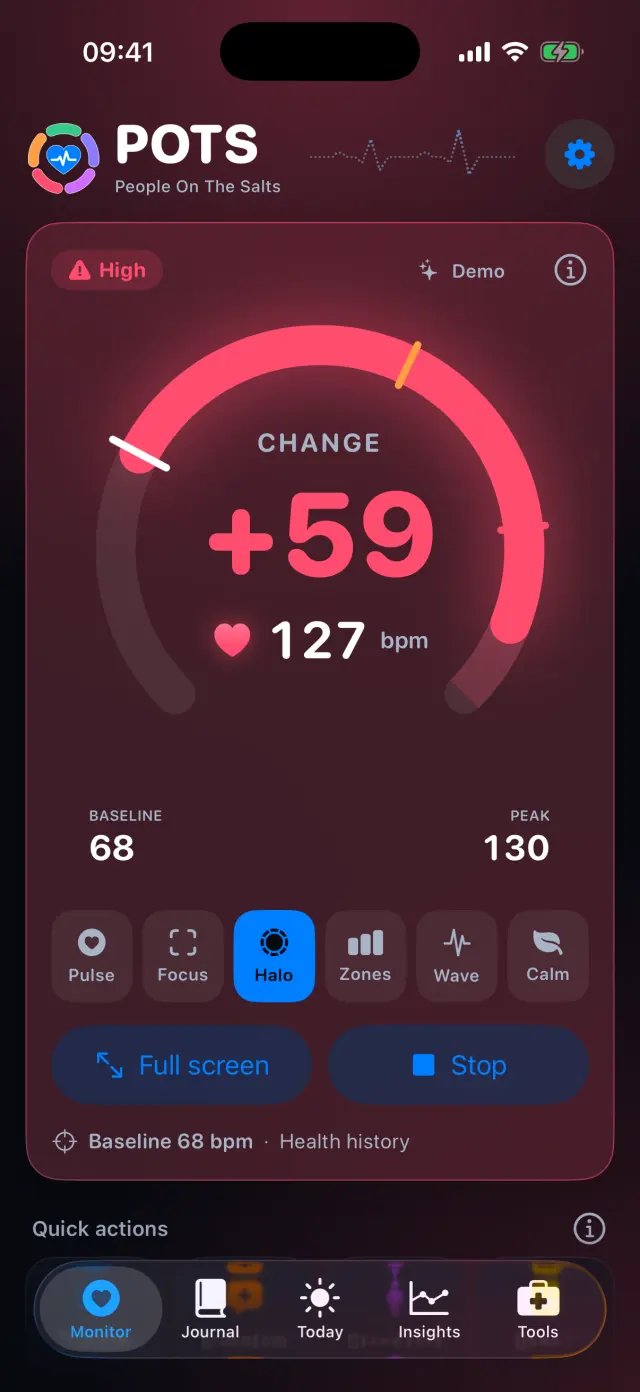
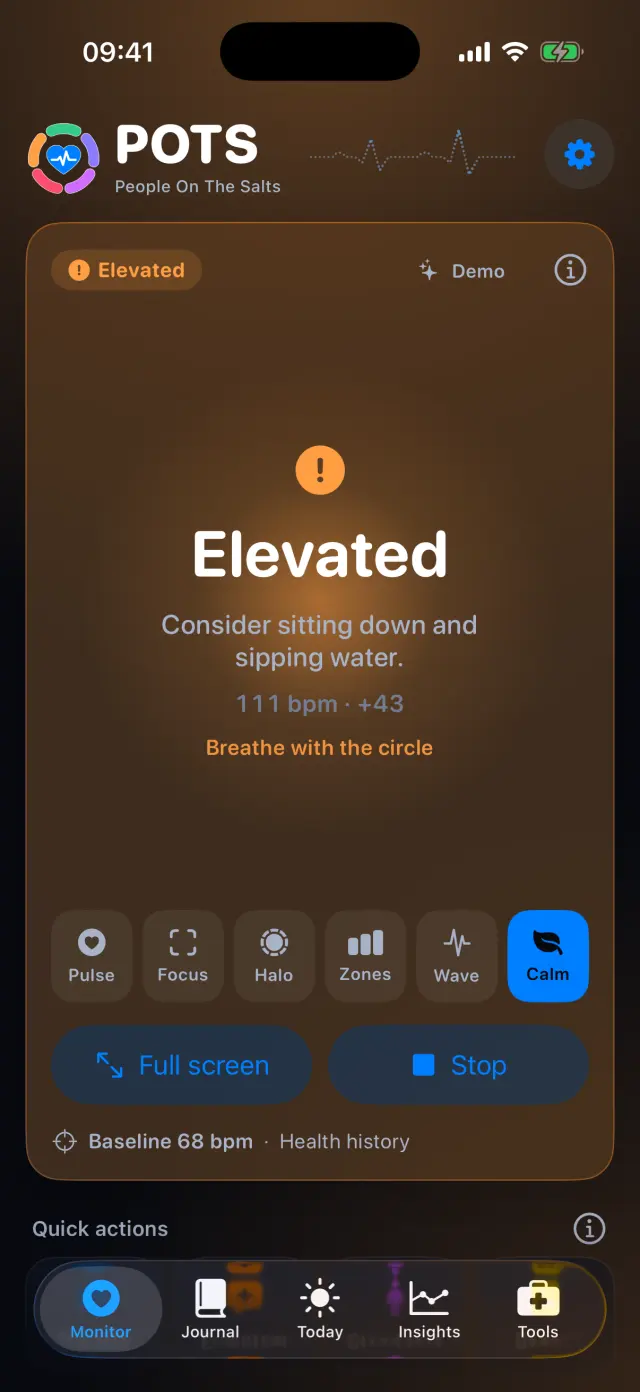
Switch the display
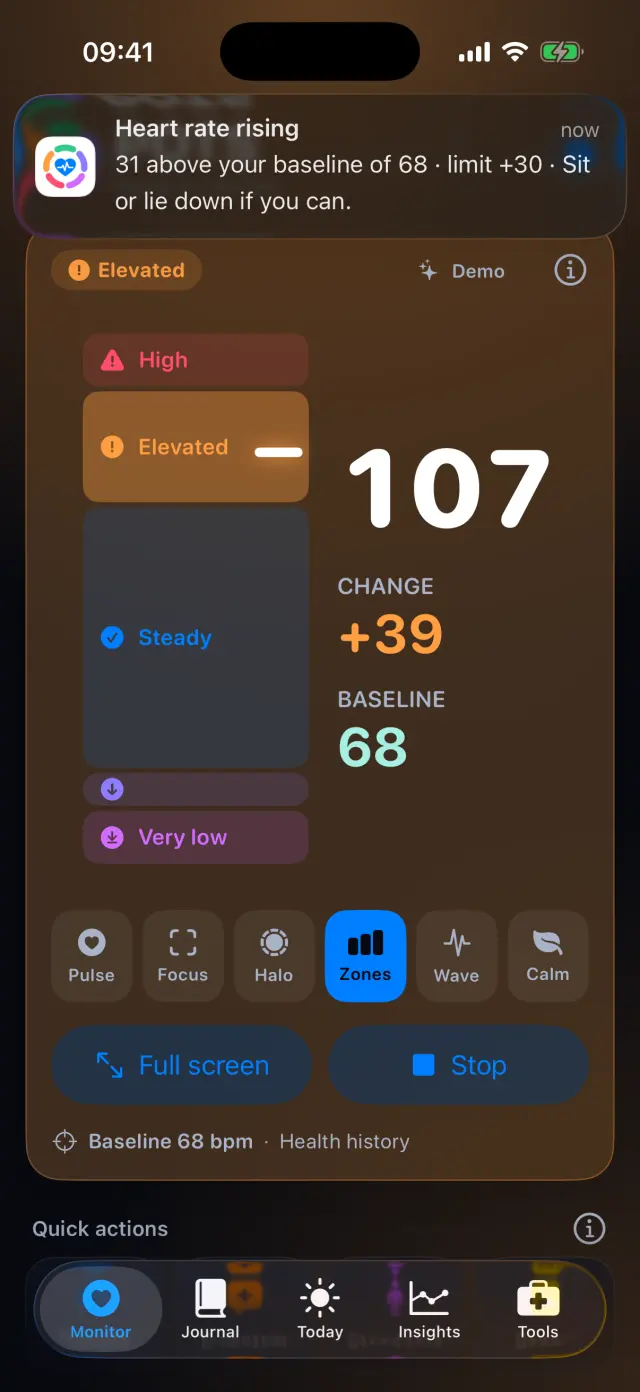
Pick Pulse, Focus, Halo, Zones, Wave or Calm. Halo shows the change on an arc with your limits marked.
-
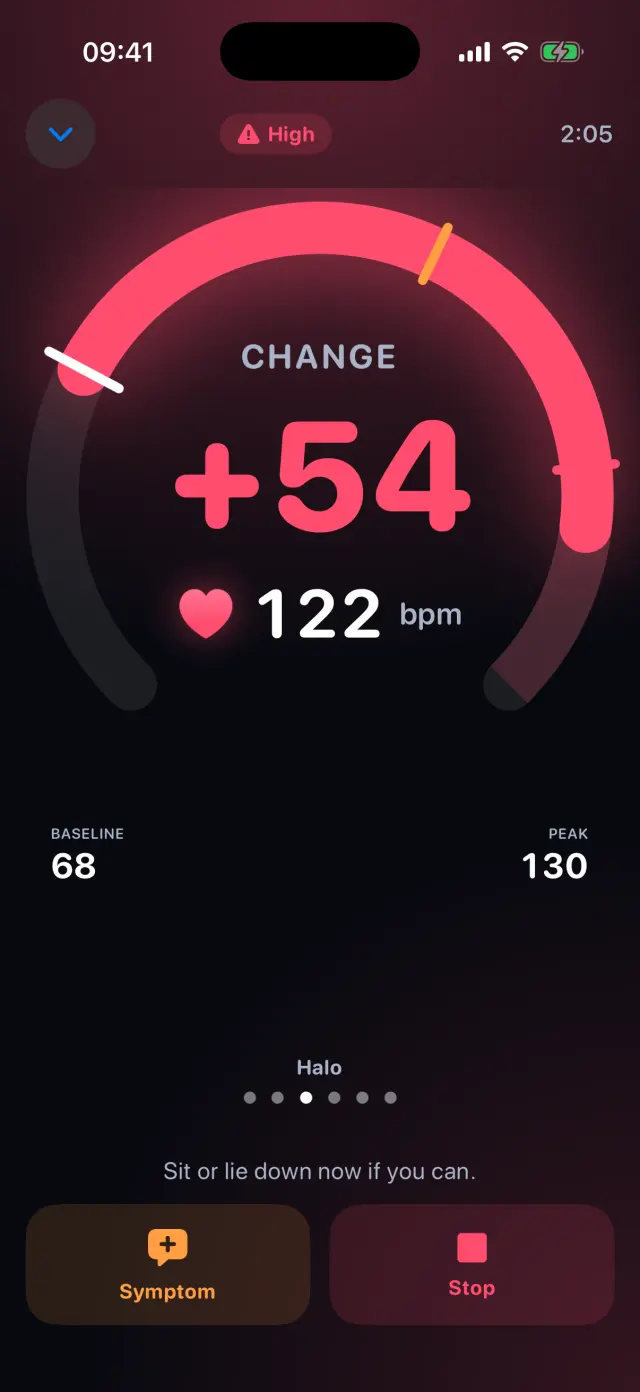
Go full screen
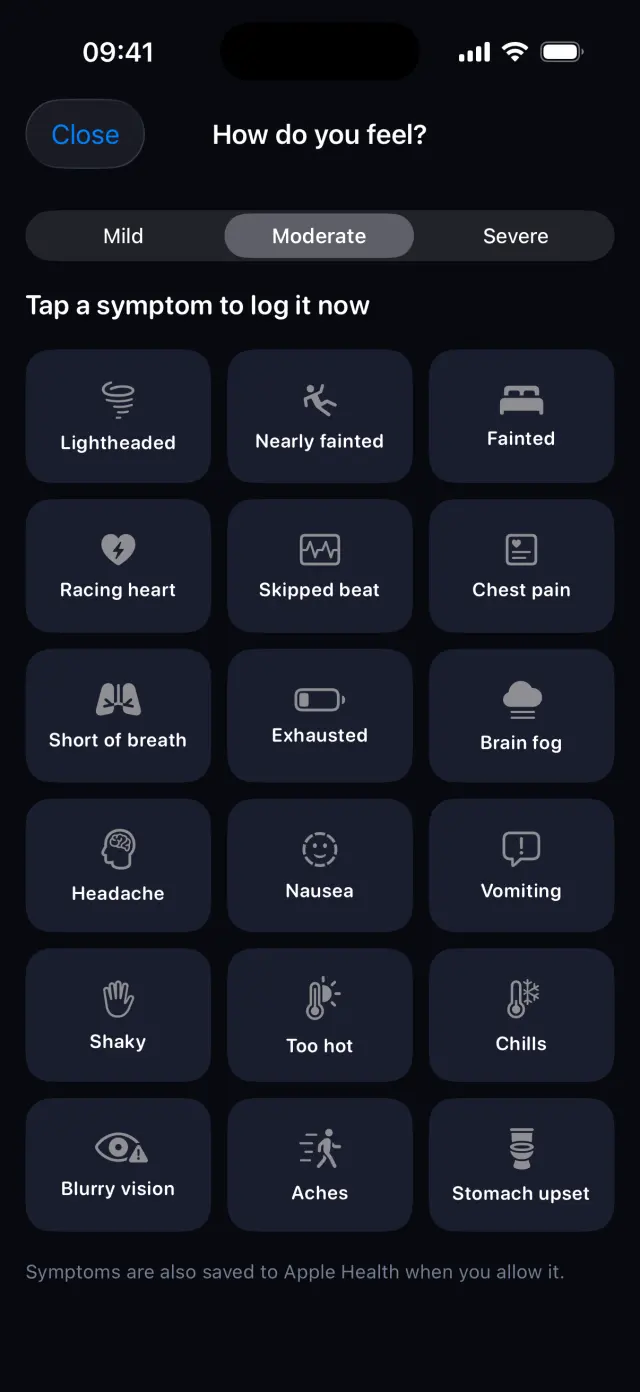
Big enough to read across the room, with Symptom and Stop always one tap away.
-
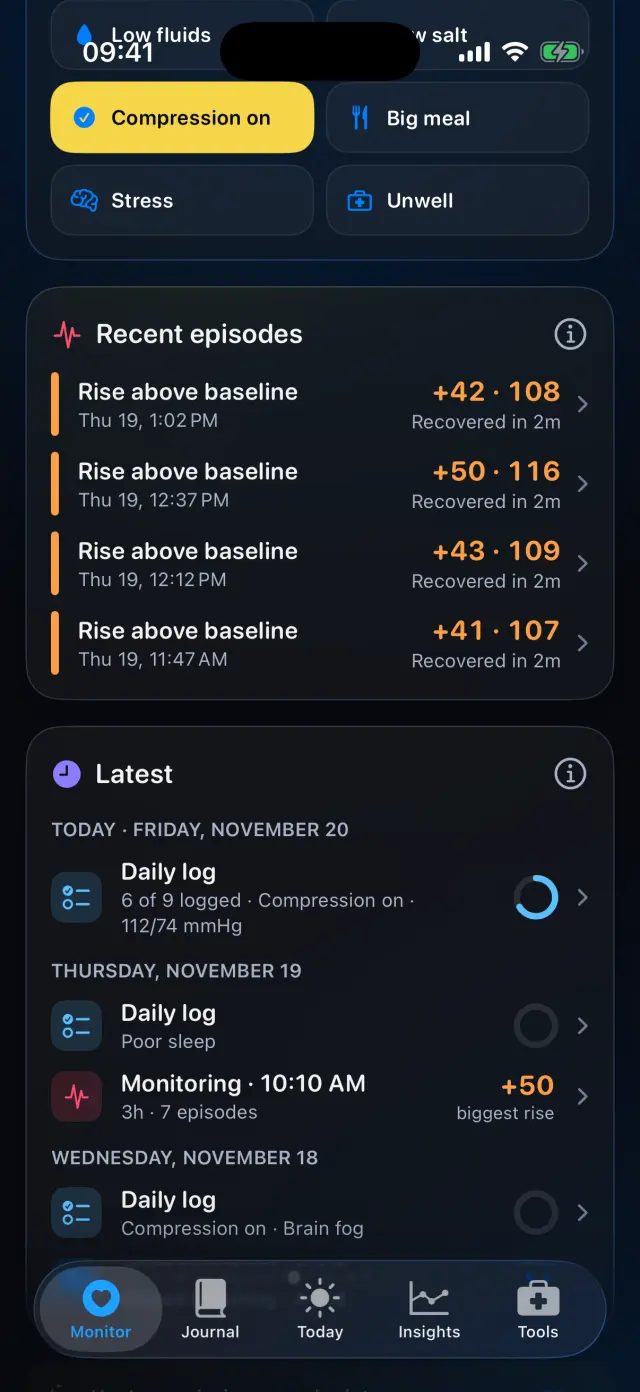
Look back at recent episodes
Each rise is saved with its peak and how long recovery took. The Latest card lists everything you logged.
Swipe to see every step
Six ways to see your heart rate
Everything it can do
- Six display styles, the same on iPhone and Apple Watch.
- A baseline from your Apple Health history, or one you set yourself.
- Change from baseline and peak, updated live.
- Quick actions: Breathe, Symptom, Stand test and Report.
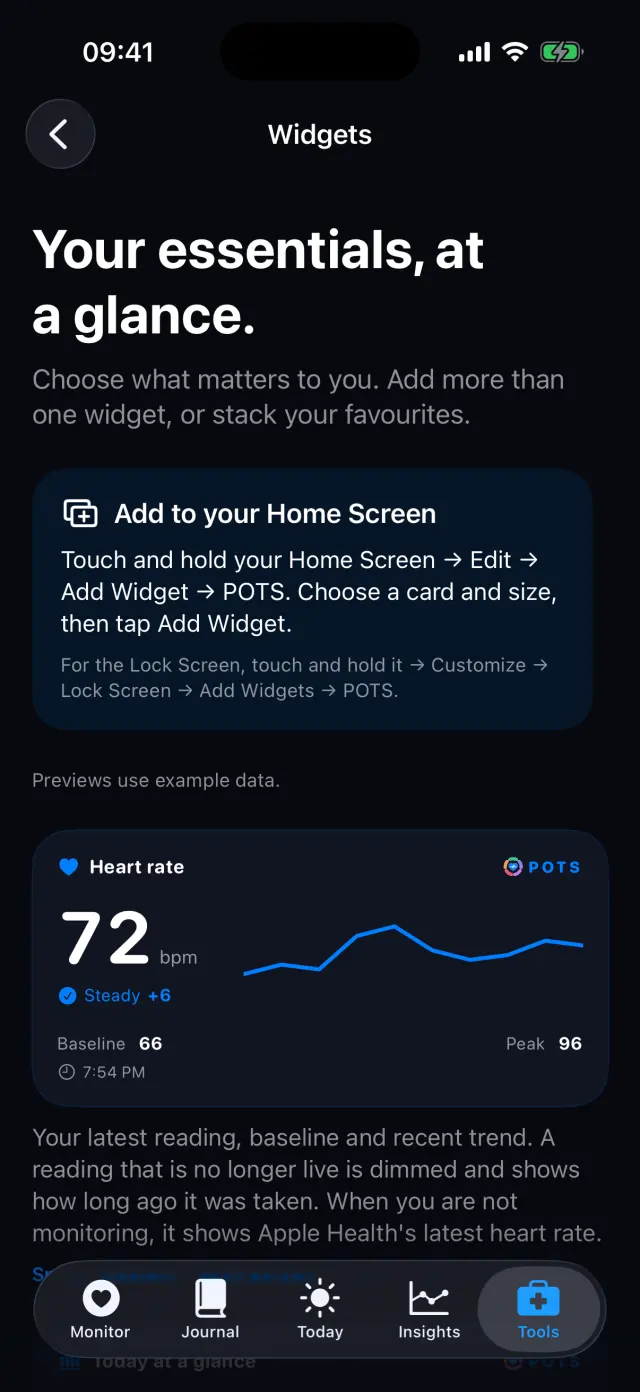
- A Live Activity on the Lock Screen and in the Dynamic Island while you monitor.
- Each session is saved to your Journal when you stop.
Goes well with

Try it on your iPhone.
POTS - People On The Salts for iPhone and Apple Watch. Free to download, with Premium when you want the full record.
Screens show fictional data. POTS shows measurements to discuss with your clinician. It does not diagnose or treat any condition.