
Log your daily life
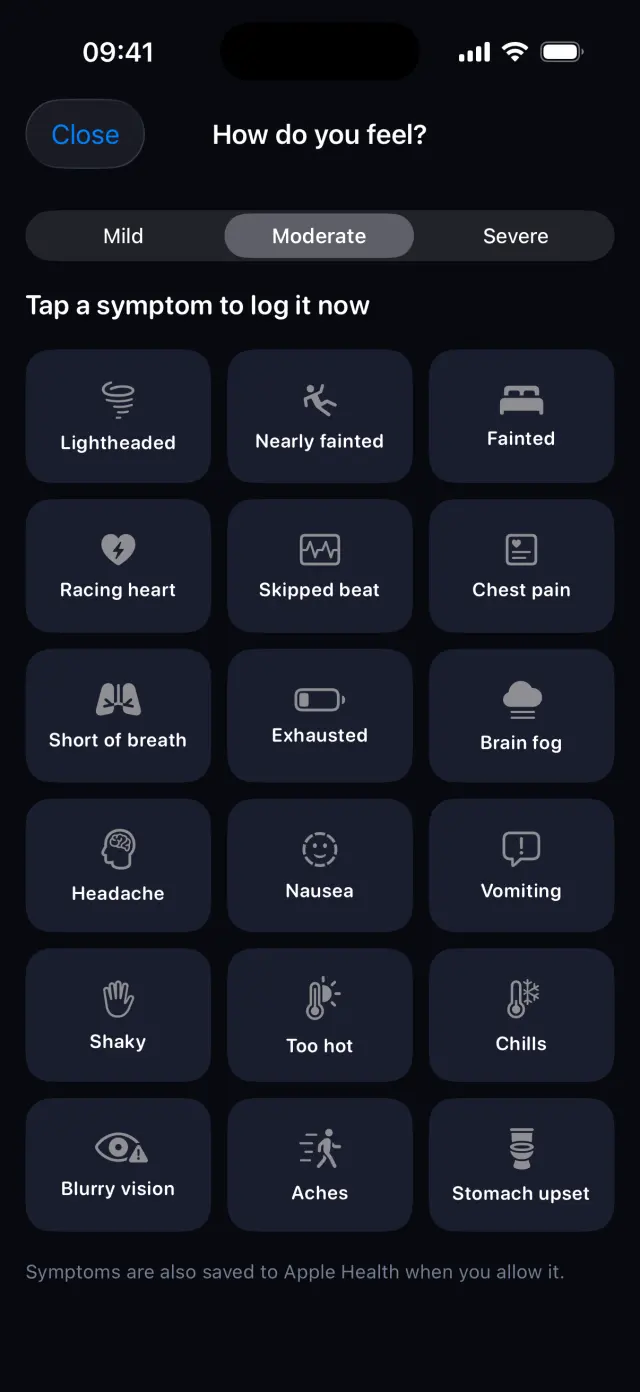
Log how you feel in one tap.
Note a symptom the moment it happens, with the time and your heart rate, and explain POTS to the people around you with a picture card.

How it works, step by step
Real screens from the POTS iPhone app, with fictional example data.
-
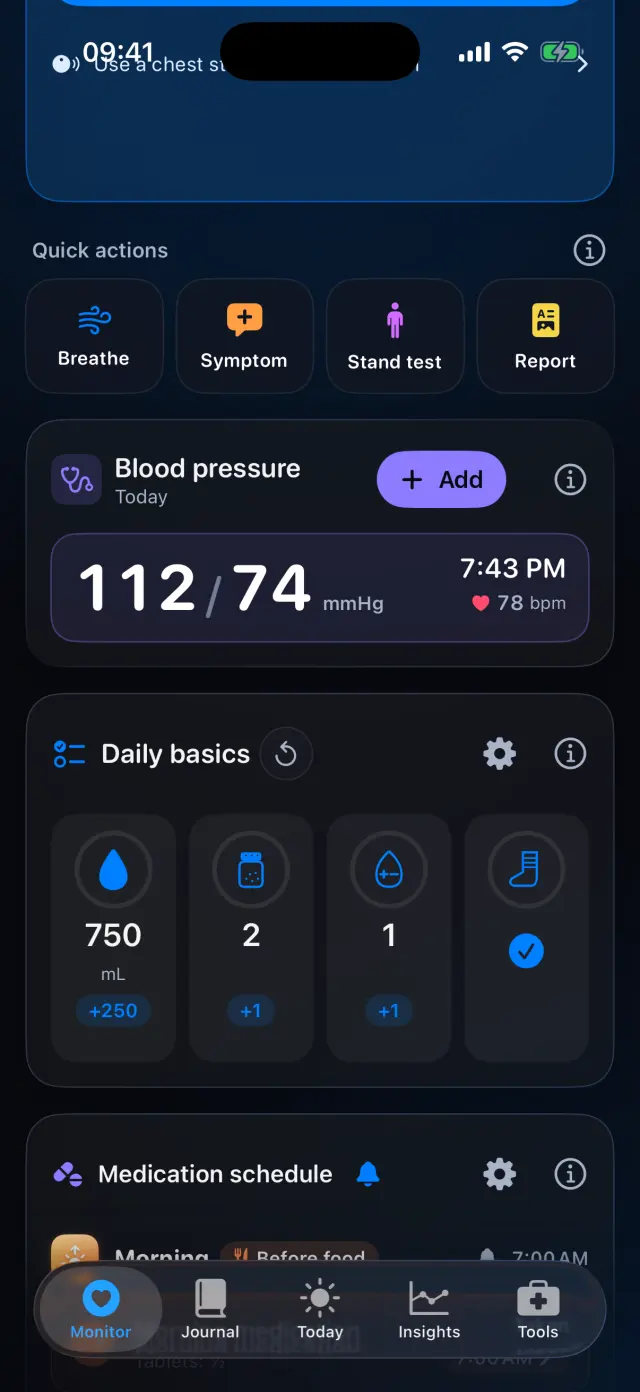
Tap Symptom
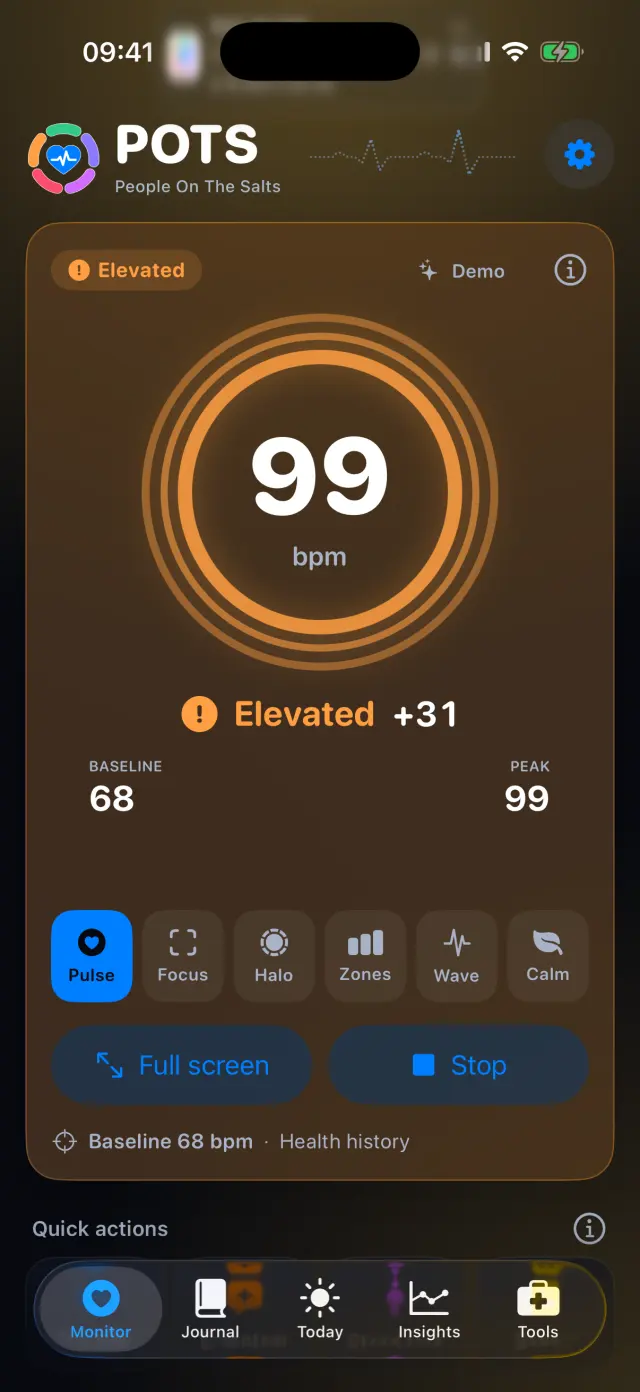
Use the Symptom button in Quick actions, on the live screen or on Apple Watch.
-
Choose how strong, then tap
Pick mild, moderate or severe, then tap a symptom. It is saved straight away.
-
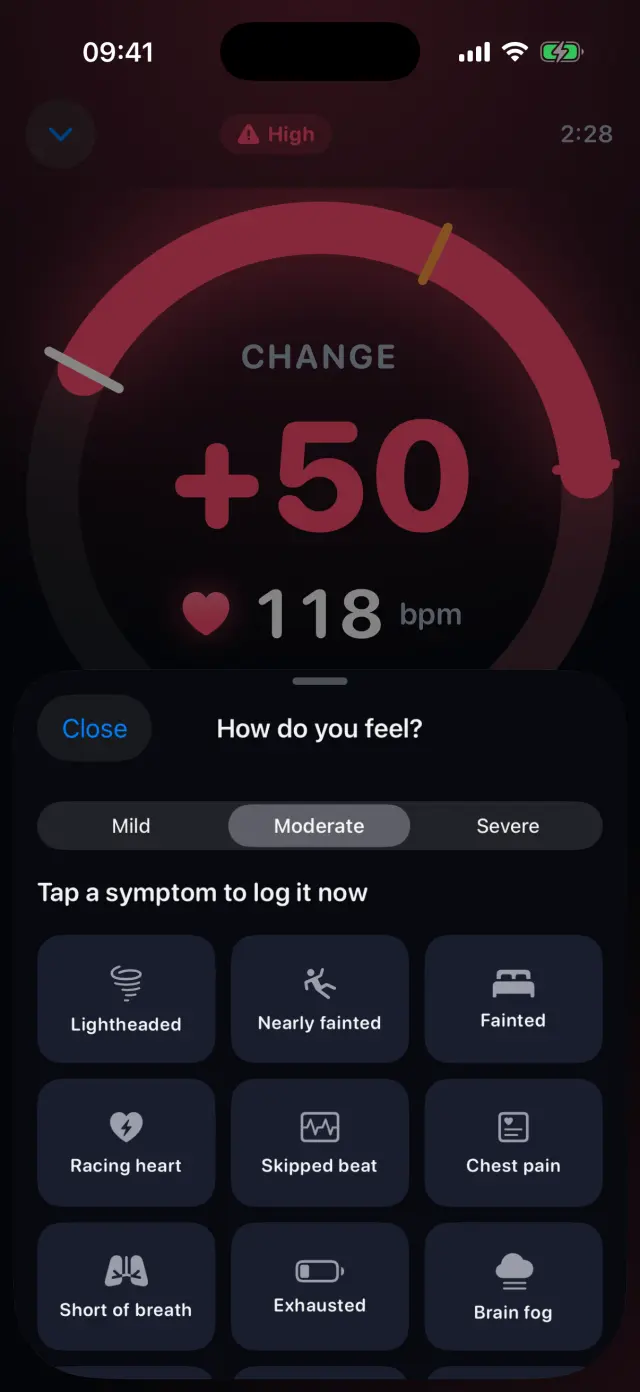
Even during an episode
The sheet opens over the live screen, so you never lose sight of your heart rate.
-
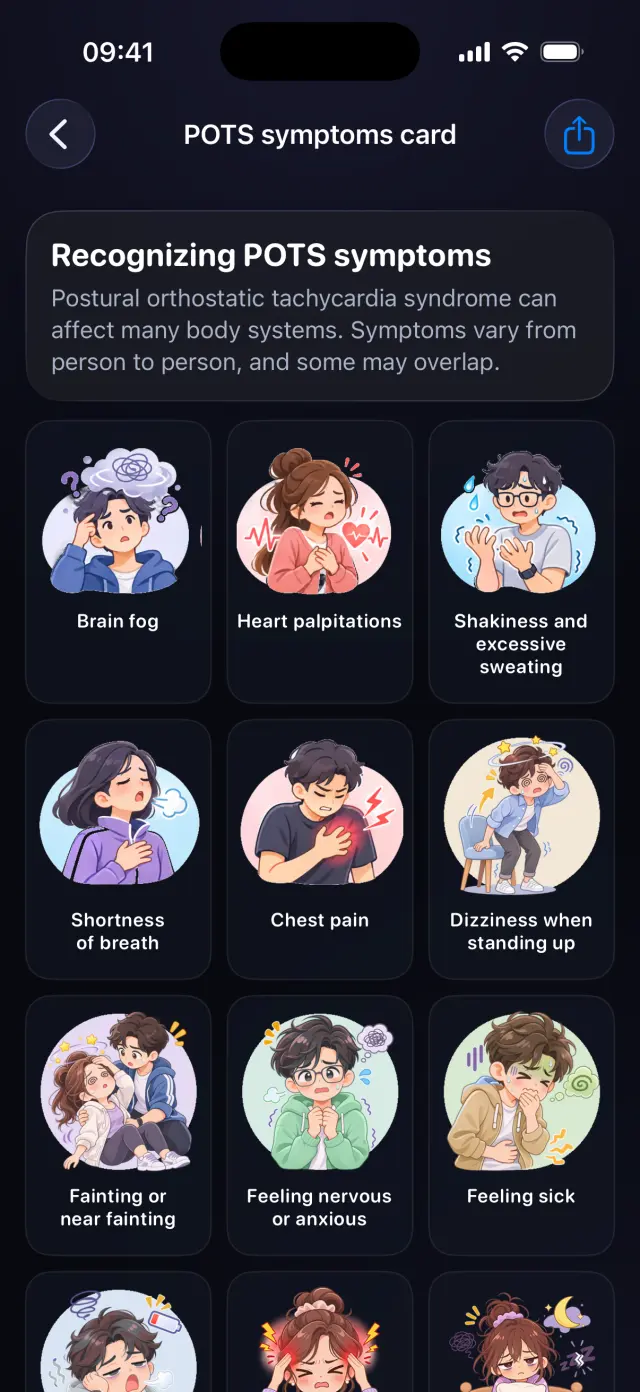
Share the POTS symptoms card
39 common POTS symptoms with pictures. Share them as one image in your language.
Swipe to see every step
Everything it can do
- 18 common symptoms, from lightheaded and racing heart to brain fog and nausea.
- Mild, moderate or severe.
- Saved with the time and your heart rate.
- Also saved to Apple Health when you allow it.
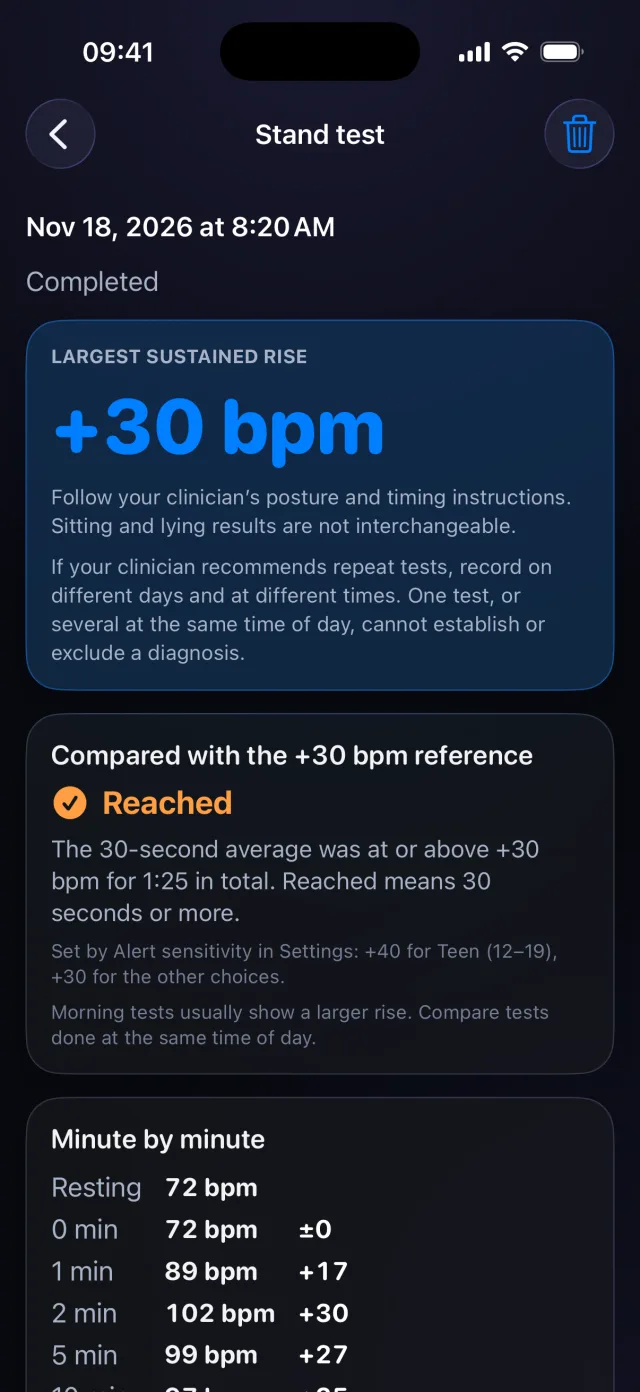
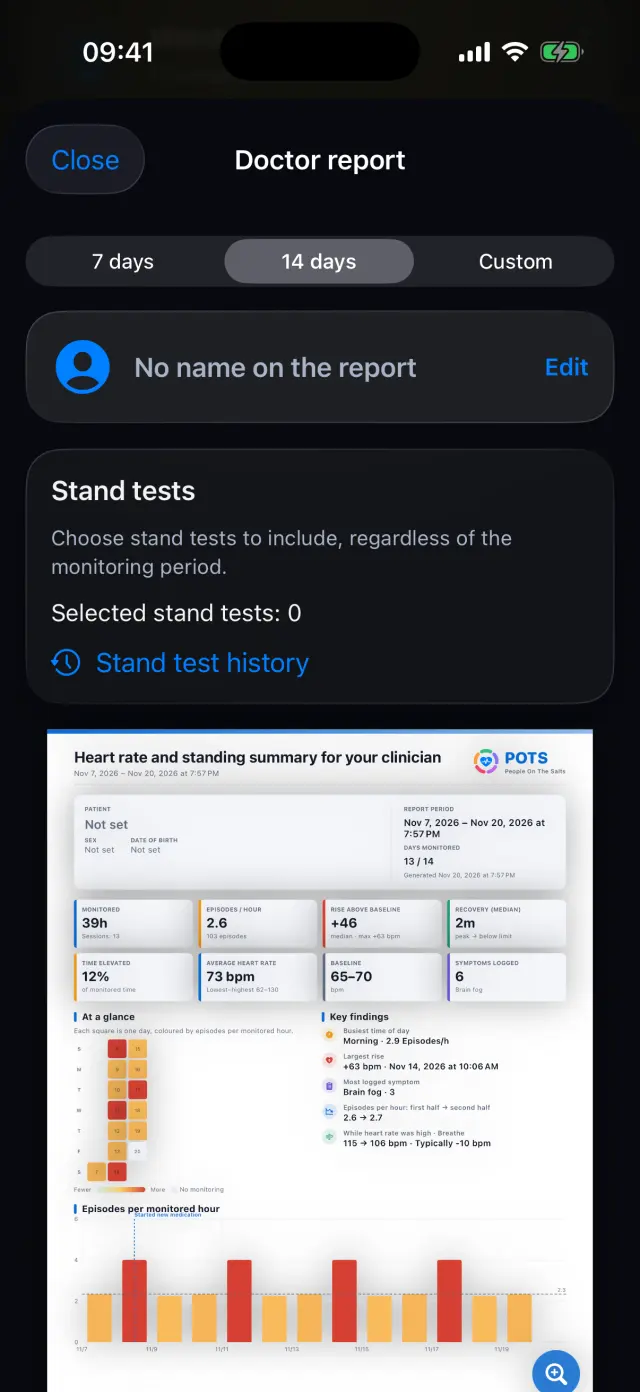
- Symptoms appear in Insights, stand tests and the doctor report.
- A picture card of 39 symptoms to share with family, school or work.

Try it on your iPhone.
POTS - People On The Salts for iPhone and Apple Watch. Free to download, with Premium when you want the full record.
Screens show fictional data. POTS shows measurements to discuss with your clinician. It does not diagnose or treat any condition.