
Test and settle
A guided stand test you can do at home.
Rest, then stand still while POTS times every minute, records your heart rate and compares the rise with the reference clinicians use.

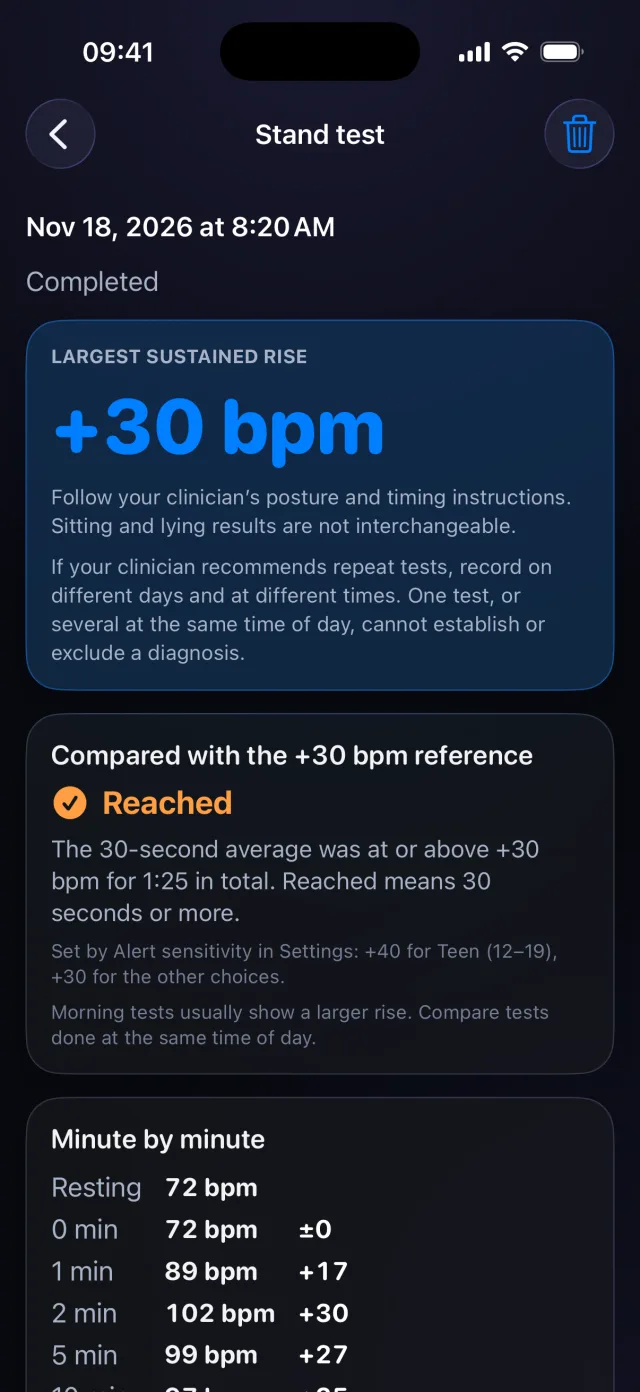
How it works, step by step
Real screens from the POTS iPhone app, with fictional example data.
-
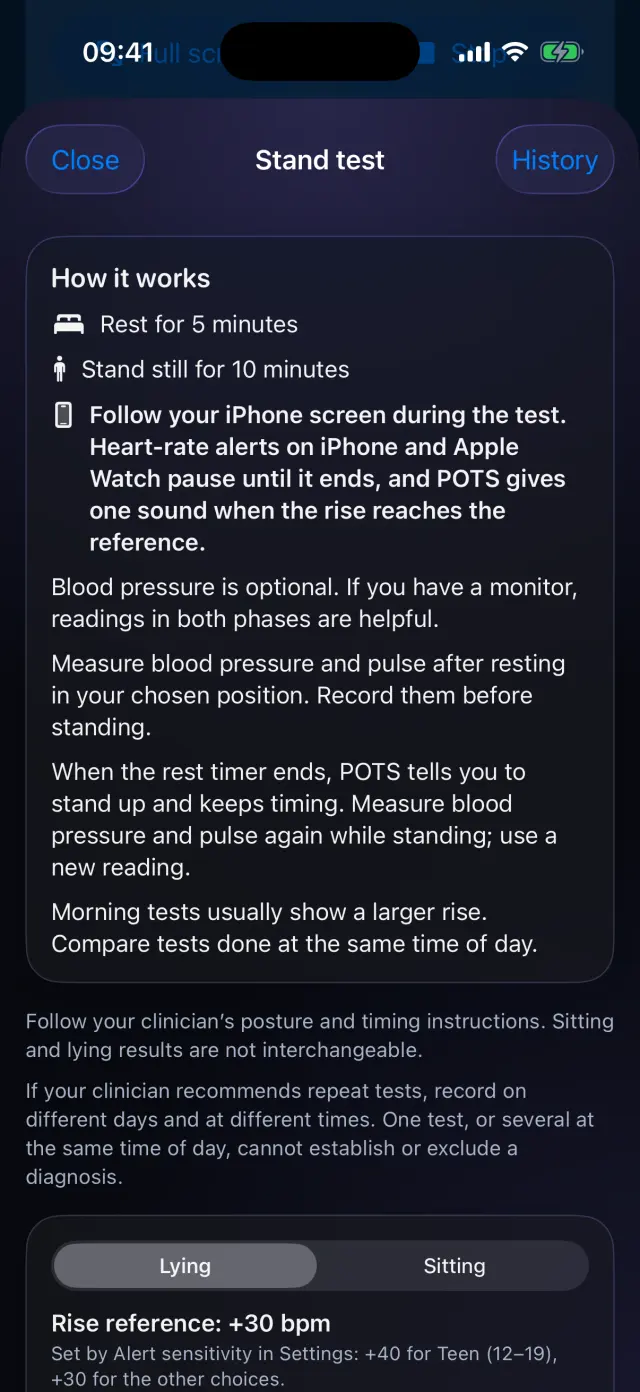
Read how it works
Rest for 5 minutes, then stand still for 10. Choose lying or sitting, and add blood pressure if you have a monitor.
-
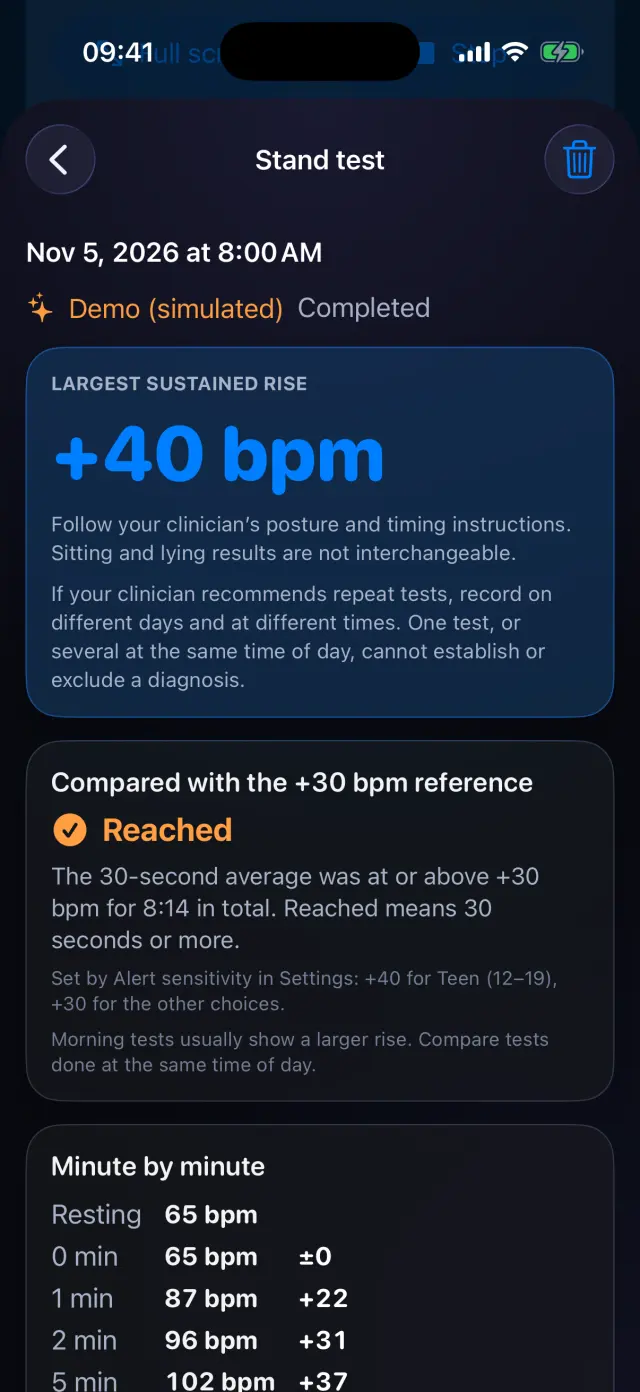
See the largest sustained rise
POTS shows the biggest rise in your 30-second average and whether it reached the +30 bpm reference (+40 for Teen 12–19).
-
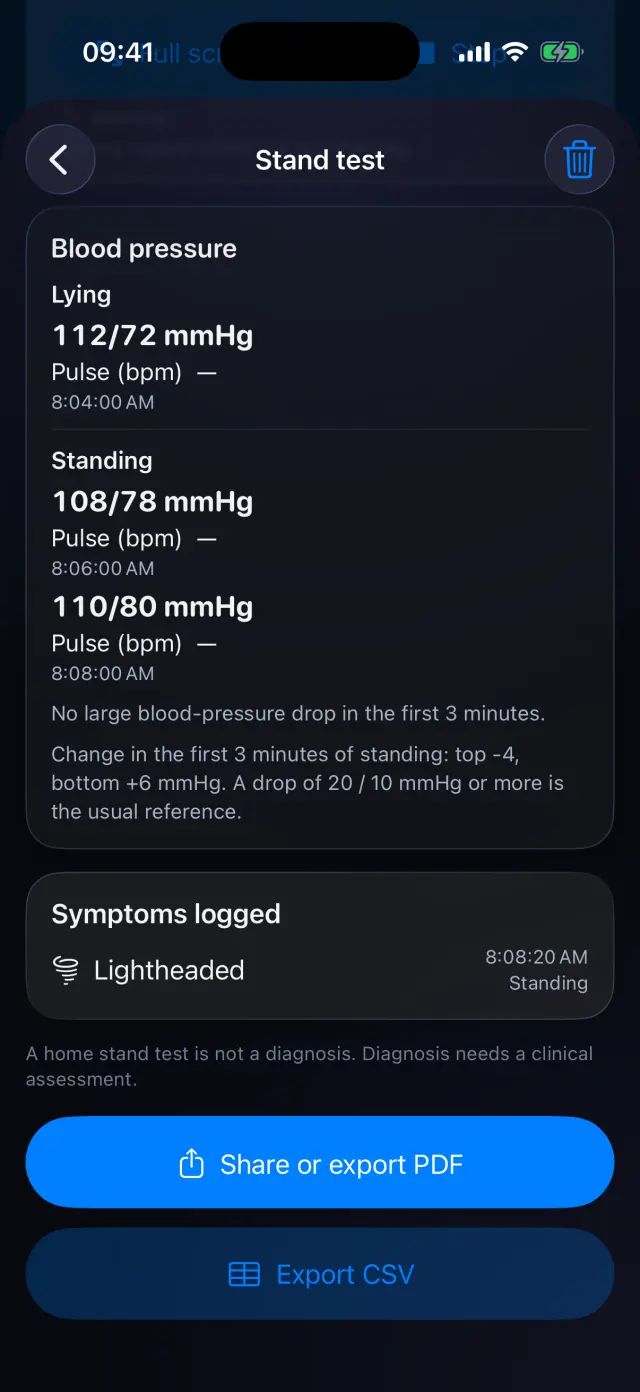
Blood pressure and symptoms
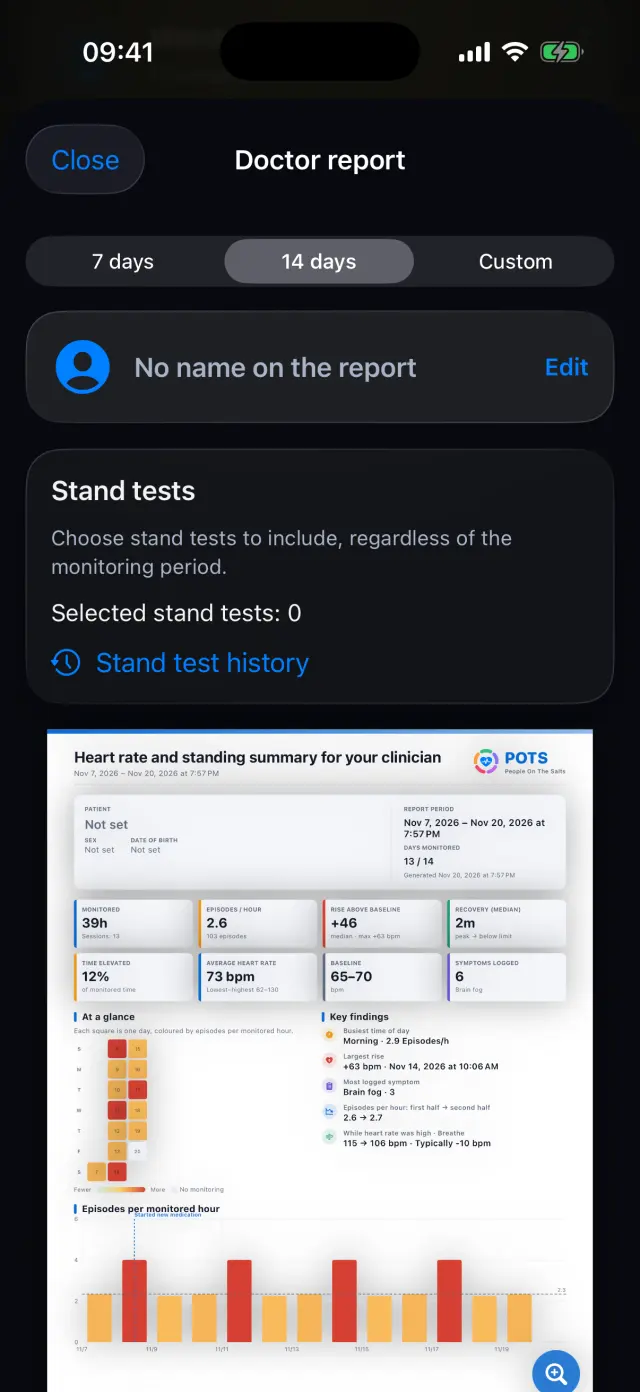
Readings and symptoms from the test sit with the result. Share a PDF or export a CSV.
-
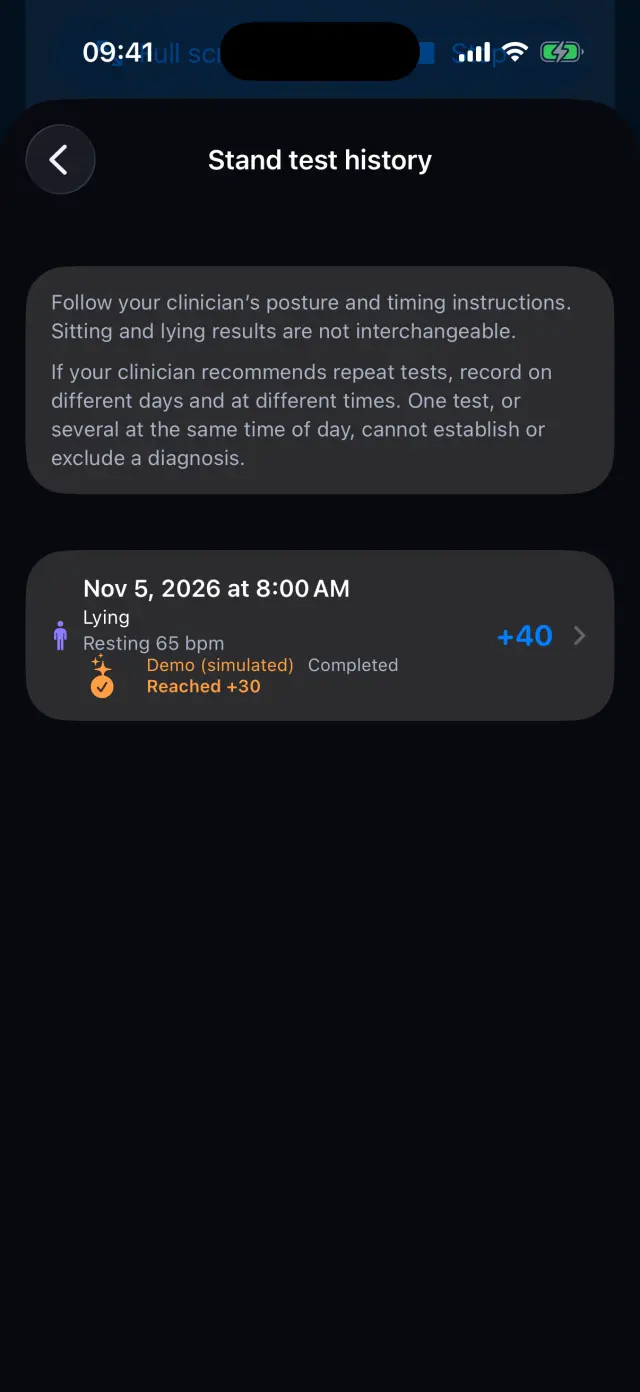
Keep every test
Stand test history lists each test with its rise, so you can review, export or delete it.
-
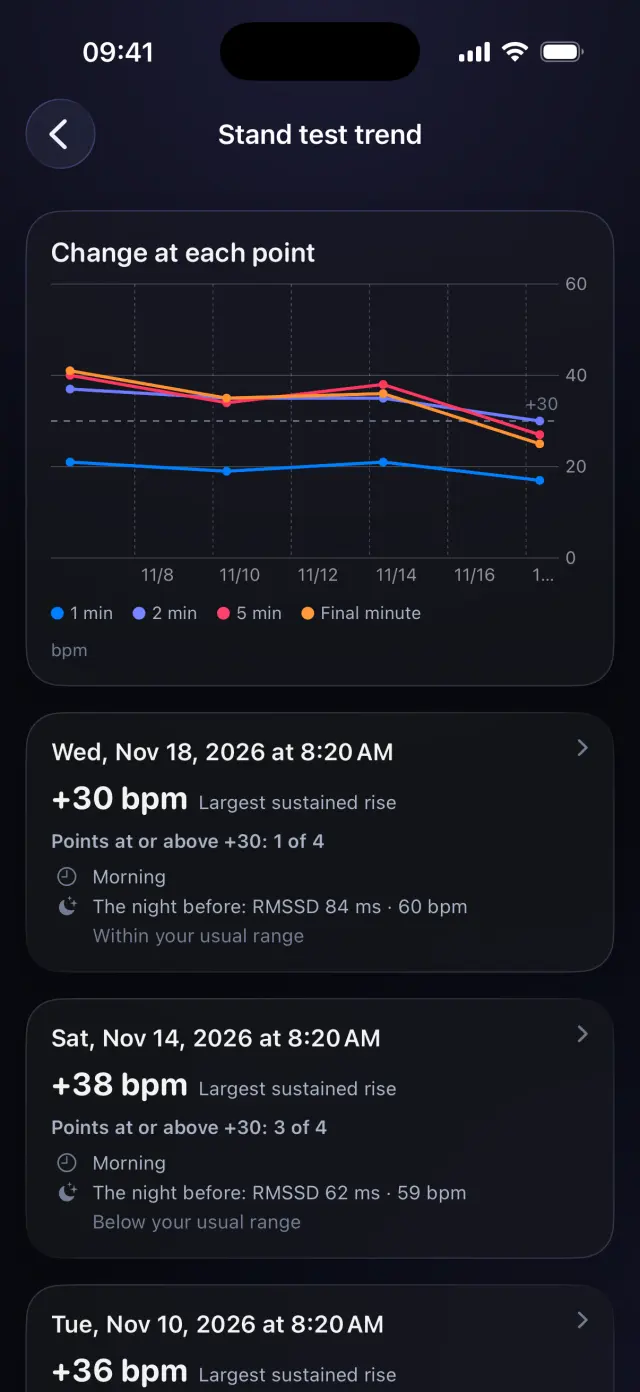
Compare over time
The trend chart lines up your tests minute by minute, with the time of day and the night before.
Swipe to see every step
Everything it can do
- 5 minutes of rest and 10 minutes of standing, lying or sitting.
- Heart rate minute by minute, with one sound when the rise reaches the reference.
- Heart-rate alerts pause until the test ends.
- Optional blood pressure and symptoms during the test.
- PDF and CSV export, history and trend.
- Selected tests can be added to the doctor report.
A home stand test is not a diagnosis. Follow your clinician's instructions for posture and timing.
Goes well with
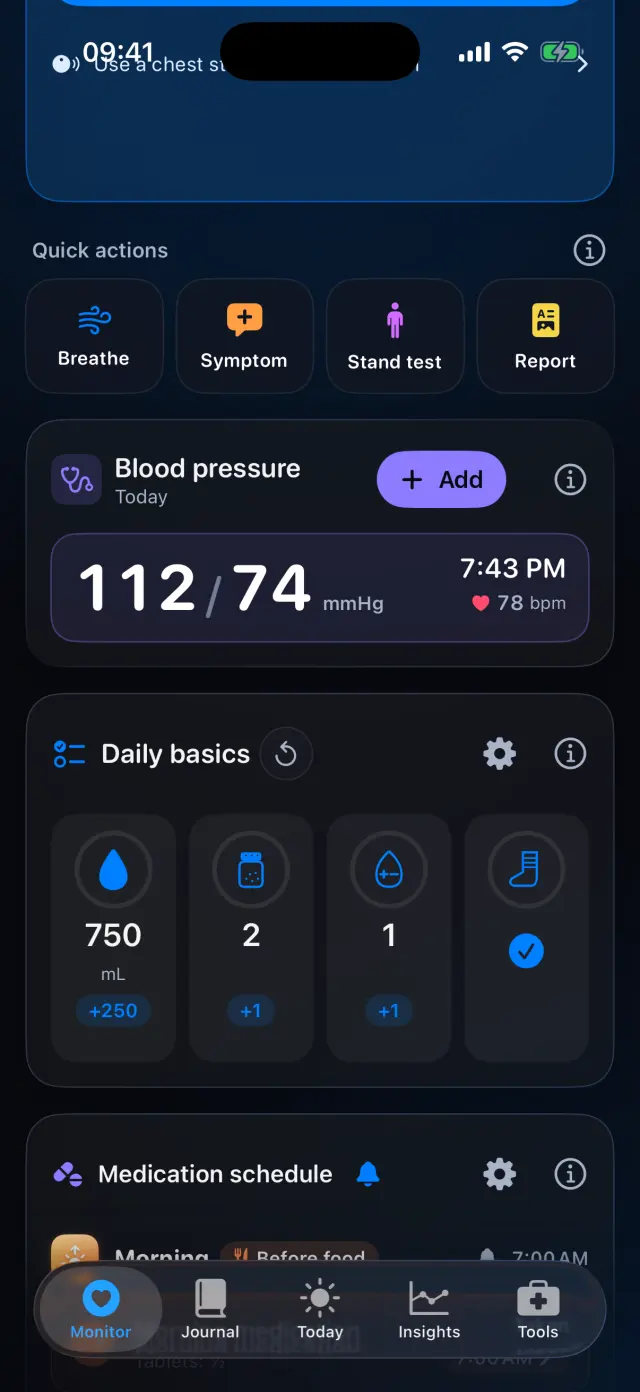
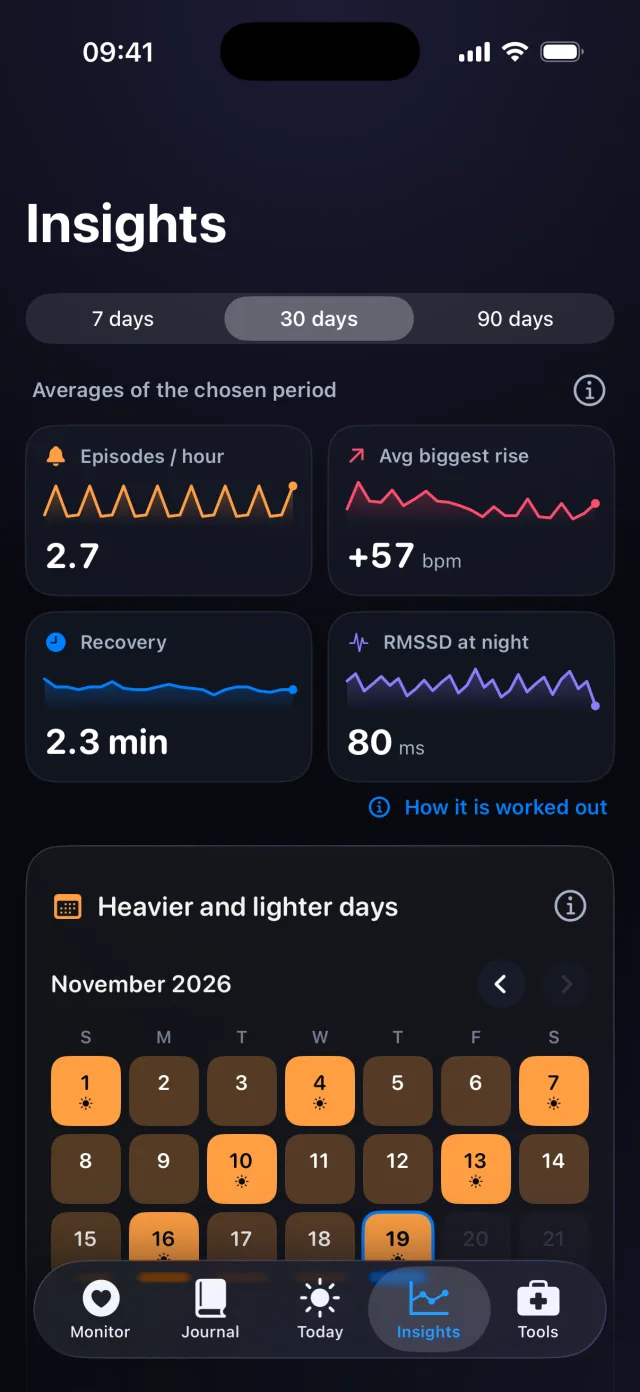

Try it on your iPhone.
POTS - People On The Salts for iPhone and Apple Watch. Free to download, with Premium when you want the full record.
Screens show fictional data. POTS shows measurements to discuss with your clinician. It does not diagnose or treat any condition.