
Log your daily life
Keep your blood pressure next to your heart rate.
Type in a reading from your own monitor in seconds. POTS keeps it with the day, the stand test and your doctor report.

How it works, step by step
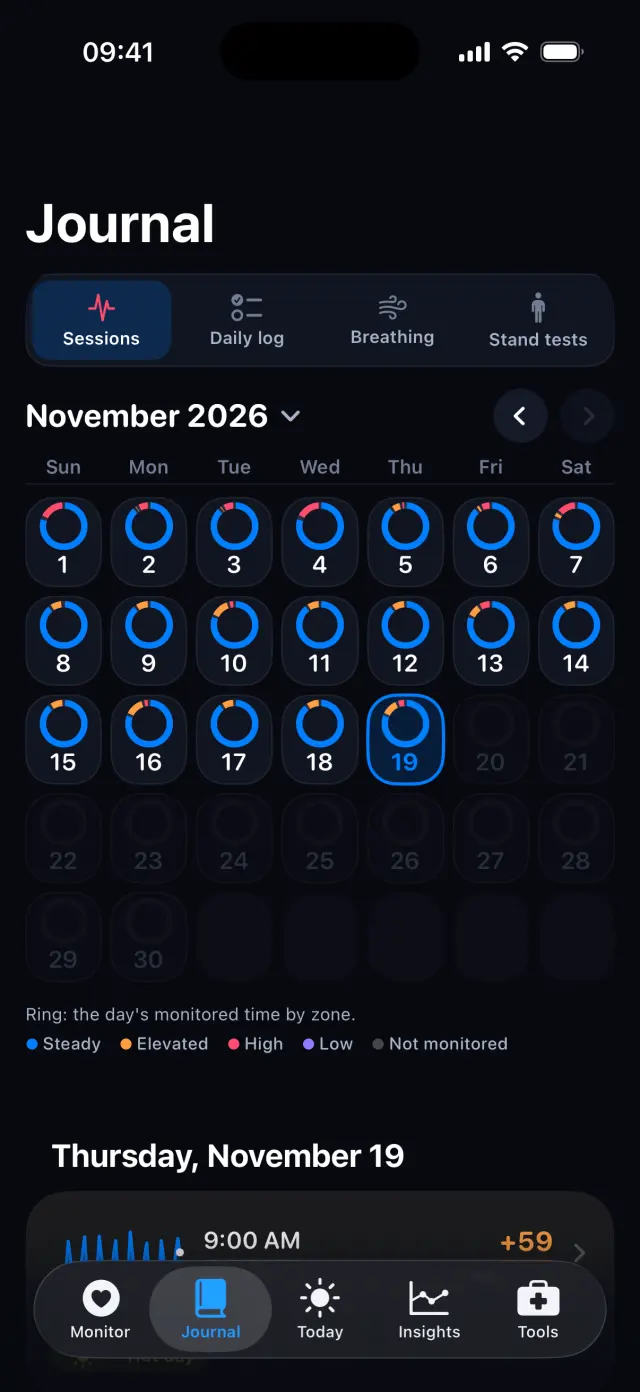
Real screens from the POTS iPhone app, with fictional example data.
-
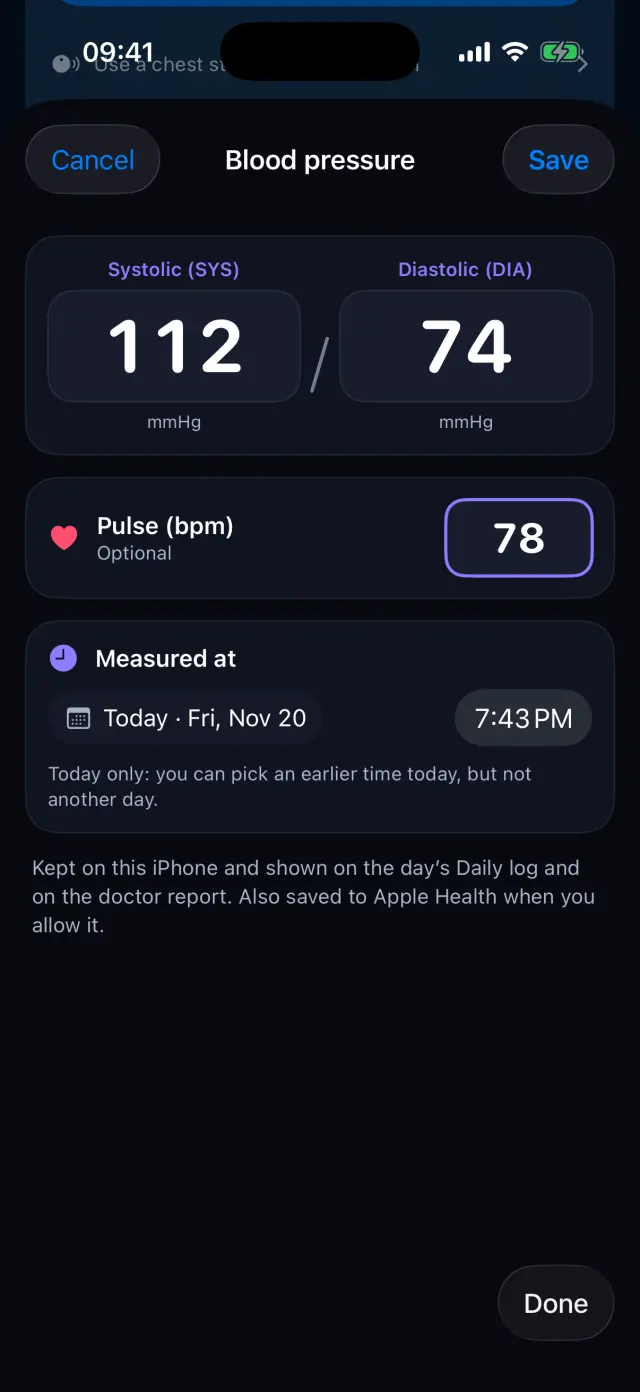
Enter the reading
Systolic, diastolic and, if you like, pulse. Pick the time it was measured, earlier today if needed.
-
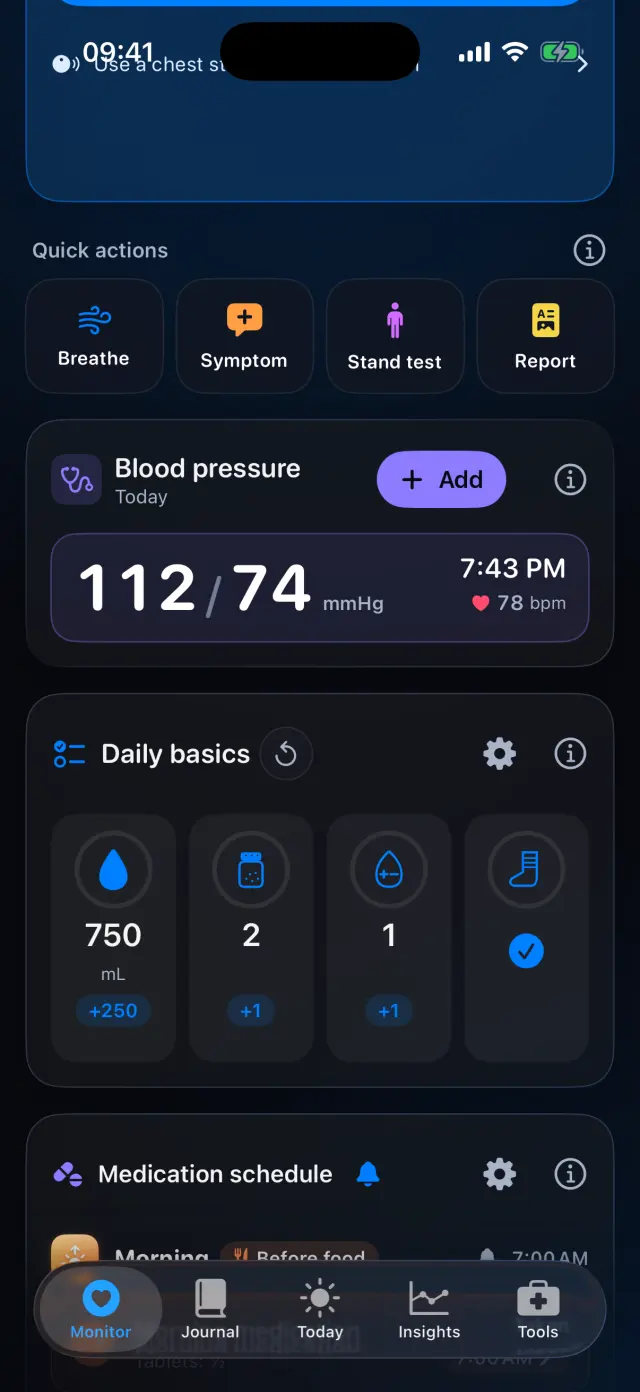
See today's reading
The Blood pressure card on Monitor shows today's latest reading.
-
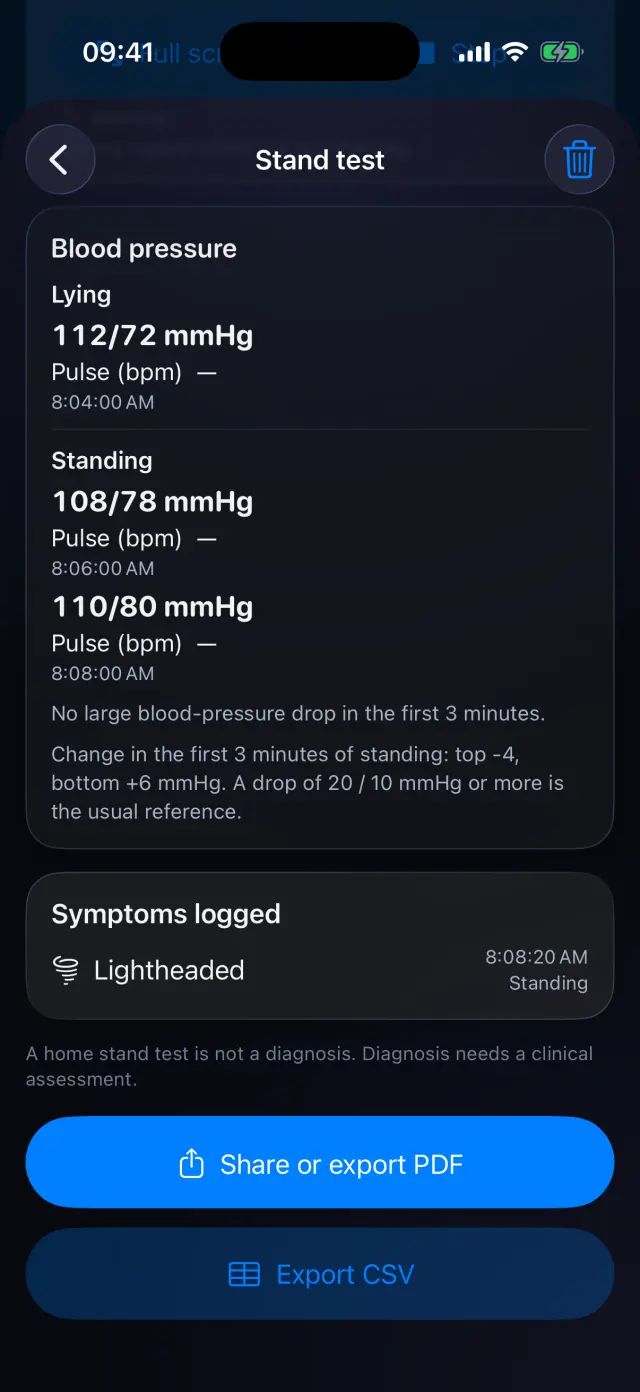
During a stand test
Add readings while lying and standing. POTS shows the change in the first 3 minutes of standing against the usual reference.
Swipe to see every step
Everything it can do
- Systolic and diastolic, with optional pulse.
- Pick the time it was measured today.
- Saved to Apple Health when you allow it.
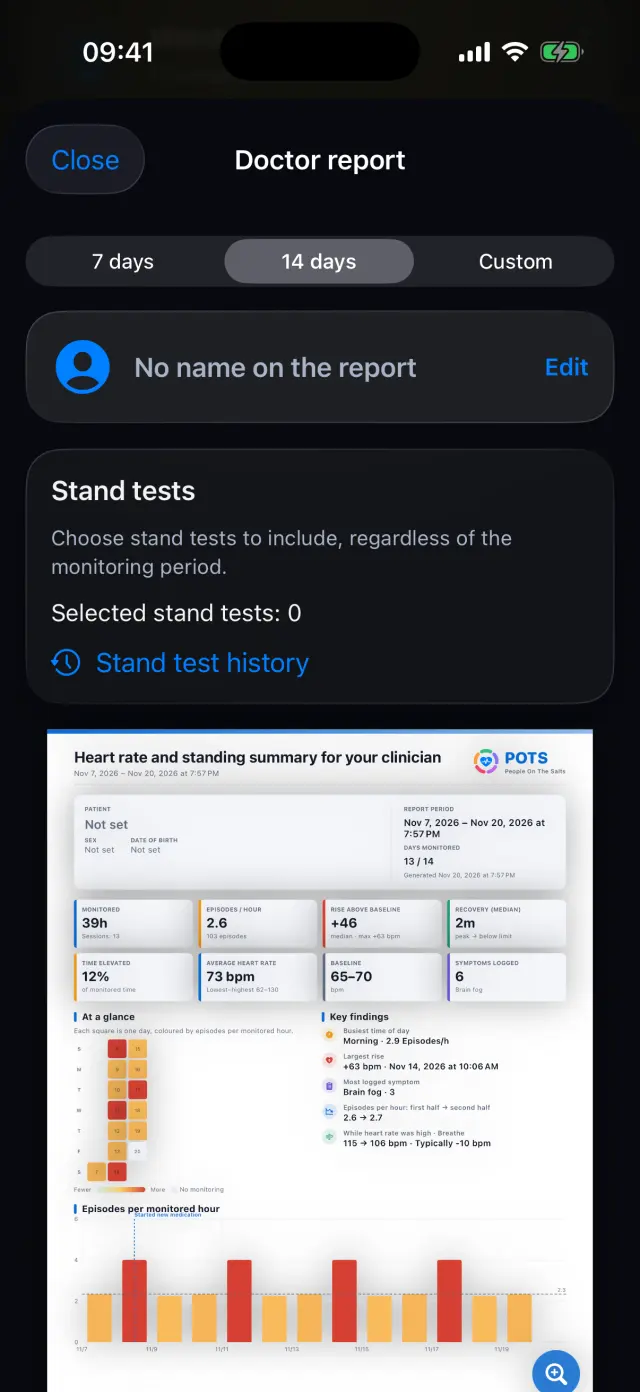
- Shown in the daily log and on the doctor report.
- Lying and standing readings in the stand test, with the 3-minute change.
- Delete a reading from POTS and Apple Health together.

Try it on your iPhone.
POTS - People On The Salts for iPhone and Apple Watch. Free to download, with Premium when you want the full record.
Screens show fictional data. POTS shows measurements to discuss with your clinician. It does not diagnose or treat any condition.